BitBuilt 2.0 Theme

Noah

retired
.
.
Joined
Jan 16, 2016
Messages
1,968
Likes
2,578
Location
The World Wide Web
Portables
Starting later today, a new theme will be accessible to all users called "BitBuilt 2.0." This theme will be in a sort of beta stage while we give it the final tweaks. We'll need your help to find and quash the bugs left in the theme though.
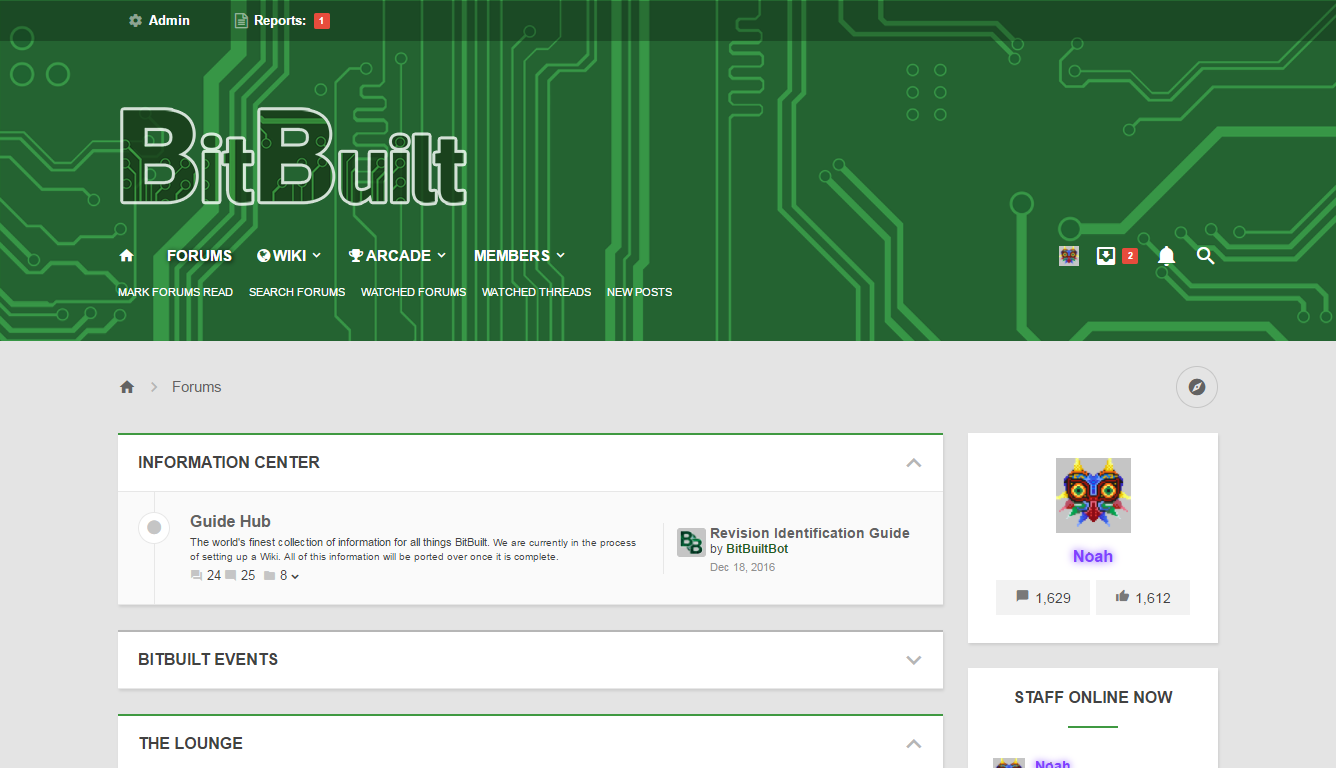
bitbuilt.net-forums-index.php.png


The new theme will eventually replace the old theme completely. This is a change being made so that we can integrate EVERYTHING (capitalized for emphasis because I mean everything) into XenForo. By making this change we will be able to have the WordPress integrated into the forum software meaning that everything will be consistent and tidy (plus everything will adapt to the theme you're using as well.)

This is only the first step, however, but nevertheless it's an important one so it's in our best interest to do it right!

Any bug reports or suggestions for the theme should be made here!

I'll also be keeping an updated change log in the next post.
 
Looks good, but I have to say the top part of the page where the BitBuilt logo is seems to be a bit too large imo.
 
I have to say the top part of the page where the BitBuilt logo is seems to be a bit too large imo
Seconded. Seems a bit tall considering the user buttons have been shrunk if that's even what I mean to be saying.

Might take some getting used to, but everything looks nice and clean.
 
You can't integrate me into xenforo
 
PortablizeMii pack generator not coming up correctly on the new theme. Region flags not showing, option to retain wifi is missing, etc.

Firefox 53.0.2 (32-bit) on Windows 7 Professional. Switched back to default green theme to confirm it still looks ok there.
pm pack.png

Edit: Ok, played around with it some more. No-wifi is a checkbox that works as intended, with the minor side-effect that it jumps me to the bottom of the screen rather than pop up the warning about needing the wifi module. Region flags still not there, so that's pretty important. Otherwise, the emulator options just aren't grouped into a table which is annoying.
 
Last edited:
As a lurker who just likes to see the latest posts, I would like to suggest making the New Posts sidebar a bit wider so that you can read more of the titles.
The Question and the Worklog stamps feel a bit big.
NewPosts.png


It looks pretty slick. very white
 
PortablizeMii pack generator not coming up correctly on the new theme. Region flags not showing, option to retain wifi is missing, etc.

Firefox 53.0.2 (32-bit) on Windows 7 Professional. Switched back to default green theme to confirm it still looks ok there.
View attachment 2496

Edit: Ok, played around with it some more. No-wifi is a checkbox that works as intended, with the minor side-effect that it jumps me to the bottom of the screen rather than pop up the warning about needing the wifi module. Region flags still not there, so that's pretty important. Otherwise, the emulator options just aren't grouped into a table which is annoying.
Will fix. Thanks!
 
Not sure if this is a problen with my computer, but if there is a video put in a thread, whenever I try to scroll down to other posts, it automatically puts me back at the video. It did not happen with the old theme so it is not just a computer problem.
 
Did the page fully load? I've had it where until the page loads it'll focus on random stuff, but once it's done it jumps to new posts
 
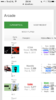
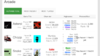
The arcade has some problems on mobile portrait
Landscape is fine though.
 

Attachments

  • IMG_5093.PNG
    IMG_5093.PNG
    230.6 KB · Views: 351
  • IMG_5094.PNG
    IMG_5094.PNG
    235.7 KB · Views: 340
Back
Top