
You are using an out of date browser. It may not display this or other websites correctly.
You should upgrade or use an alternative browser.
You should upgrade or use an alternative browser.
Worklog Pengy's first Wiip worklog
- Thread starter pengy
- Start date

- Joined
- Feb 17, 2016
- Messages
- 662
- Likes
- 1,511
- Portables
- Always 1/2
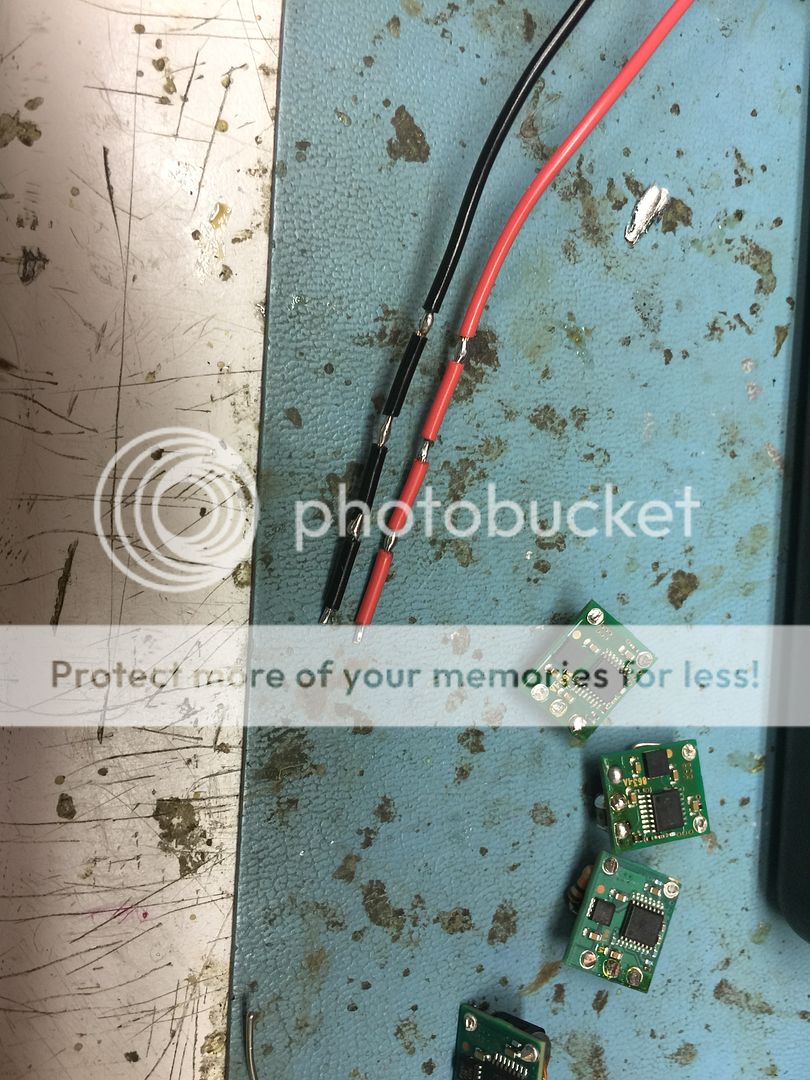
Dis some precision shiyet
how2

pengy
.
- Joined
- Aug 22, 2016
- Messages
- 118
- Likes
- 47
how2
Two words: laser beams.
Jk. The real answer is.... Very carefully. You start from the top in my photo as if you're about to strip like three inches of wire, but only pull it back a tiny bit. Tin that area, let it cool completely, then very carefully move down the line and do it again, making sure to hold the wire by the tinned area with some needle nose pliers, not by the insulation.

- Joined
- Aug 2, 2016
- Messages
- 294
- Likes
- 146
Didnt ben heck do this in one of his portable units? Looks like a super useful technique as you show it here.Two words: laser beams.
Jk. The real answer is.... Very carefully. You start from the top in my photo as if you're about to strip like three inches of wire, but only pull it back a tiny bit. Tin that area, let it cool completely, then very carefully move down the line and do it again, making sure to hold the wire by the tinned area with some needle nose pliers, not by the insulation.

Wow, this looks amazing!
pengy
.
- Joined
- Aug 22, 2016
- Messages
- 118
- Likes
- 47
Didnt ben heck do this in one of his portable units? Looks like a super useful technique as you show it here.
lol if he did I'm sure he did it quite poorly. Benheck was no great innovator. But yes it was super useful as you can see I obviously had no room for the usual method.

He did that with some ide wire, although he melted the insulation with his iron and soldered it to a data line at the same time, if I remember correctly it was his zx spectrum build
- Joined
- Jan 16, 2016
- Messages
- 1,526
- Likes
- 4,076
- Location
- standing up
- Portables
- please do not ask!!!! I will NOT respond
Bottom for sure. 3mm is nothing.

My bad, bossBottom for sure. 3mm is nothing.

- Joined
- Jan 16, 2016
- Messages
- 1,526
- Likes
- 4,076
- Location
- standing up
- Portables
- please do not ask!!!! I will NOT respond
Technically we're both right, since it can be done on either side. Easier and safer is the bottom, simply because there is less to actually cut off, and less work to fix if something goes wrong.
( ͡° ͜ʖ ͡°)
( ͡° ͜ʖ ͡°)
pengy
.
- Joined
- Aug 22, 2016
- Messages
- 118
- Likes
- 47
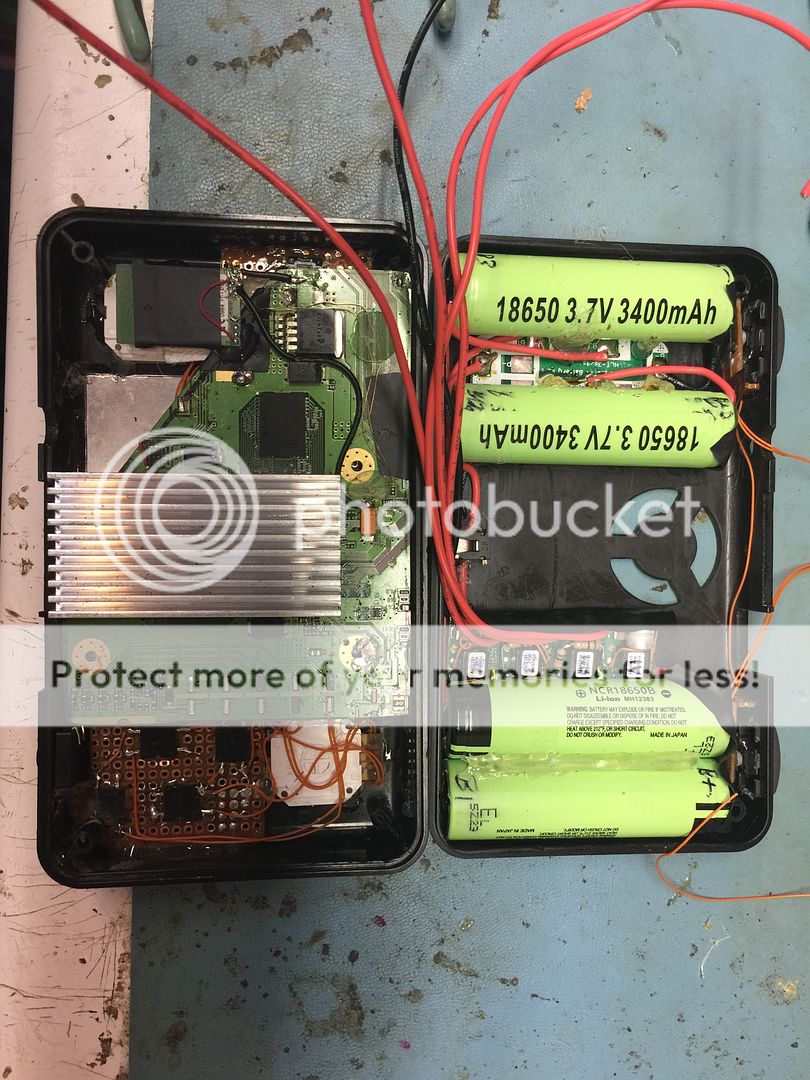
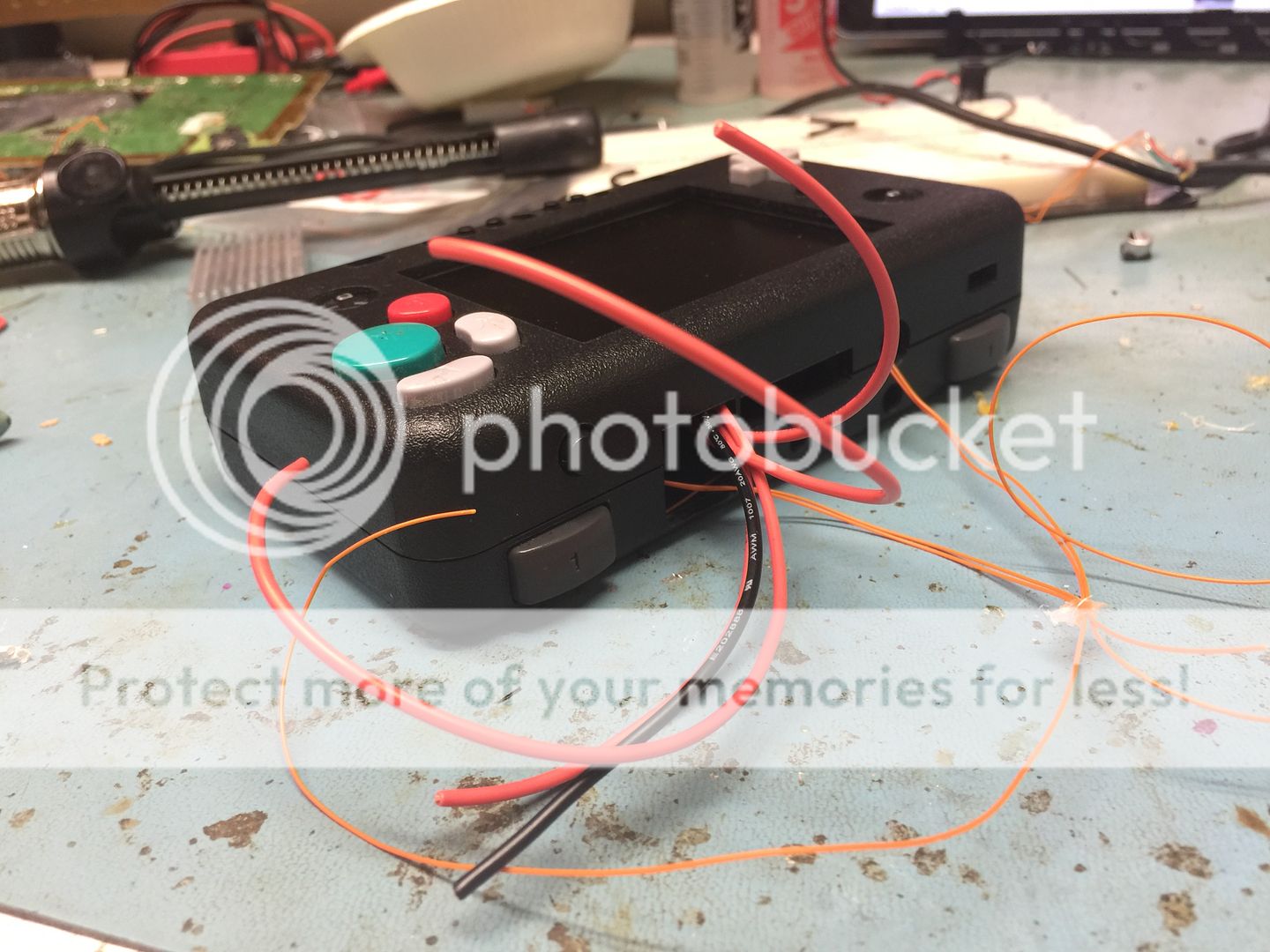
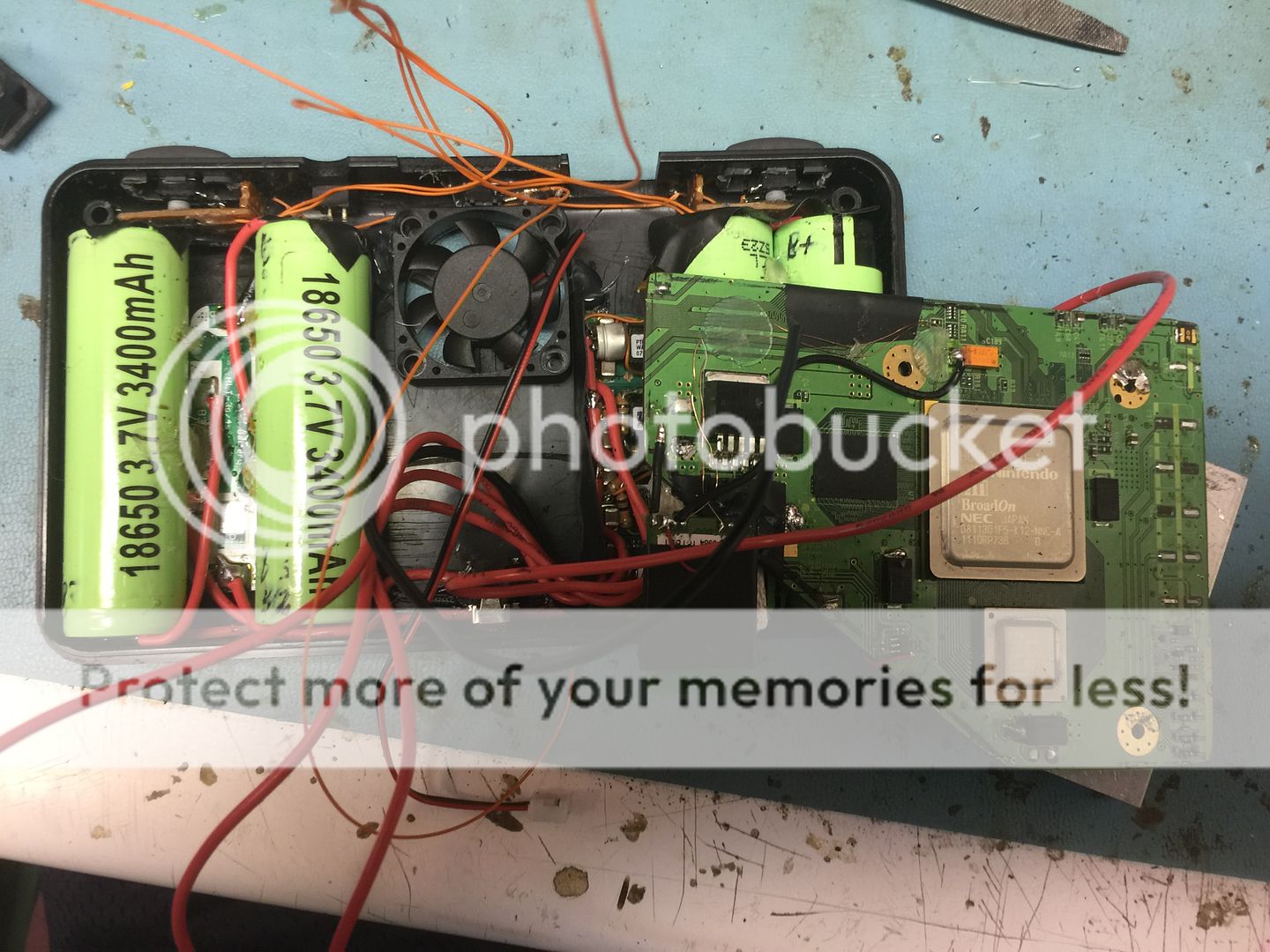
So I finally found a break from food truckin to try to finish this thing up and I'm damn close. But I seem to be having a couple hopefully minor issues, one of them being that apparently one of my power jacks is fucked which is cool, the other detailed below.
So when I boot it I get this: it doesn't do the usual portablizemii boot with the pcb traces either and the USB is the same one I was using before
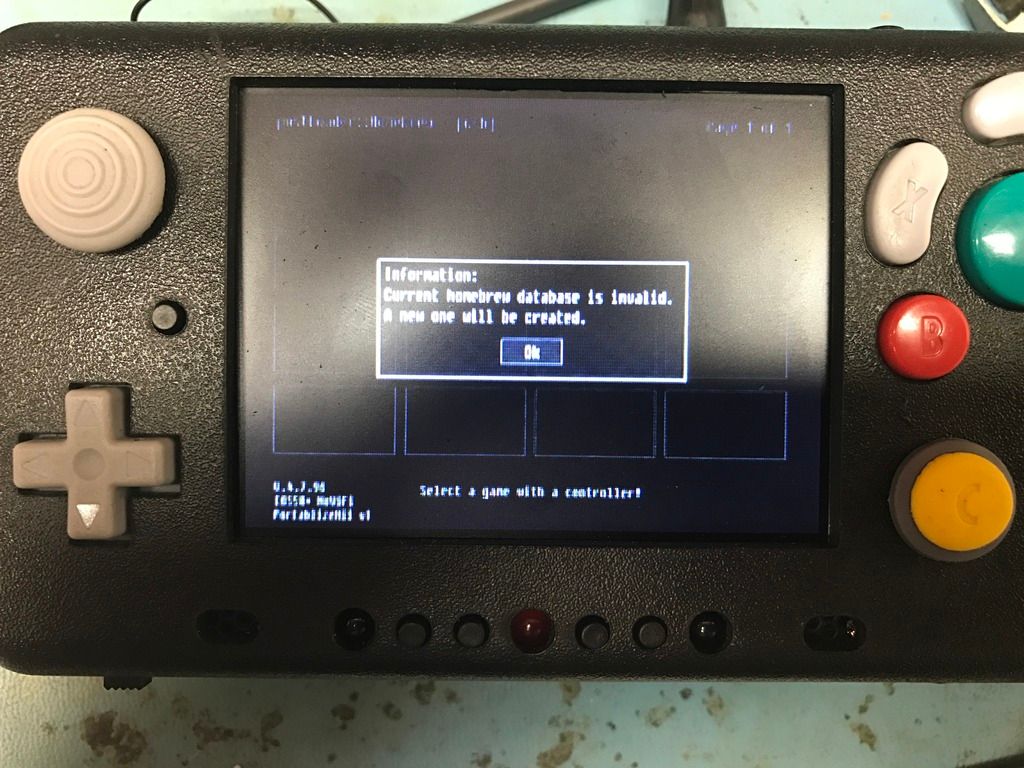
Pressing dpad left causes it to bring that dialog back up after I close it.
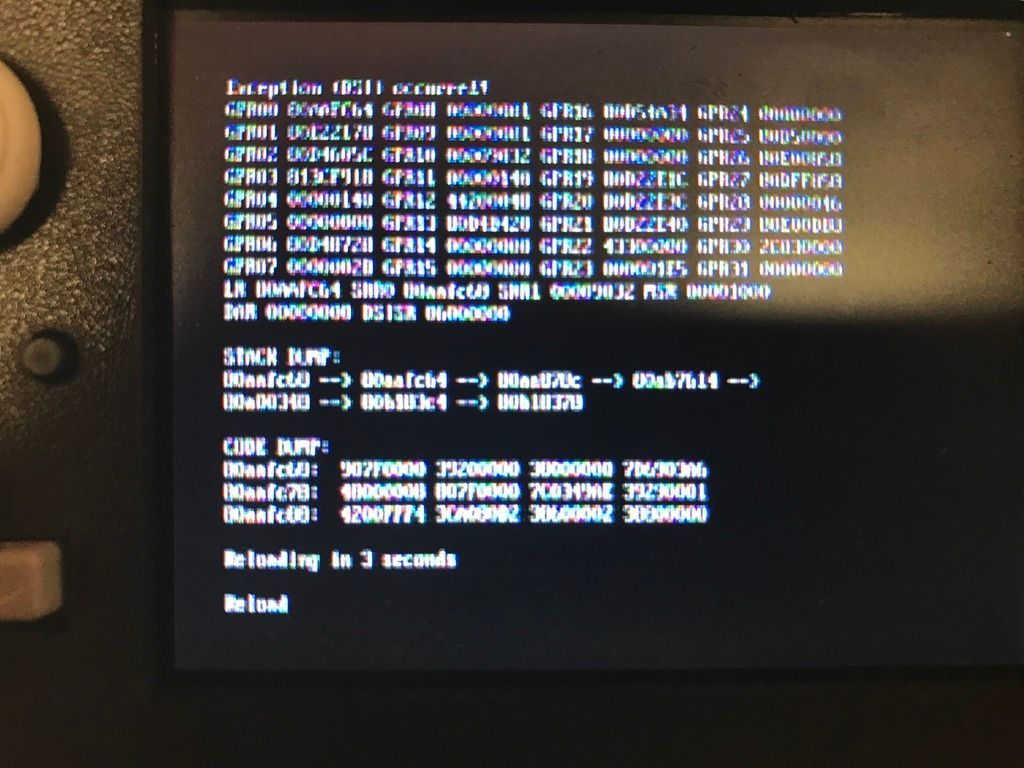
Pressing up or down (I forget which) causes this to happen:
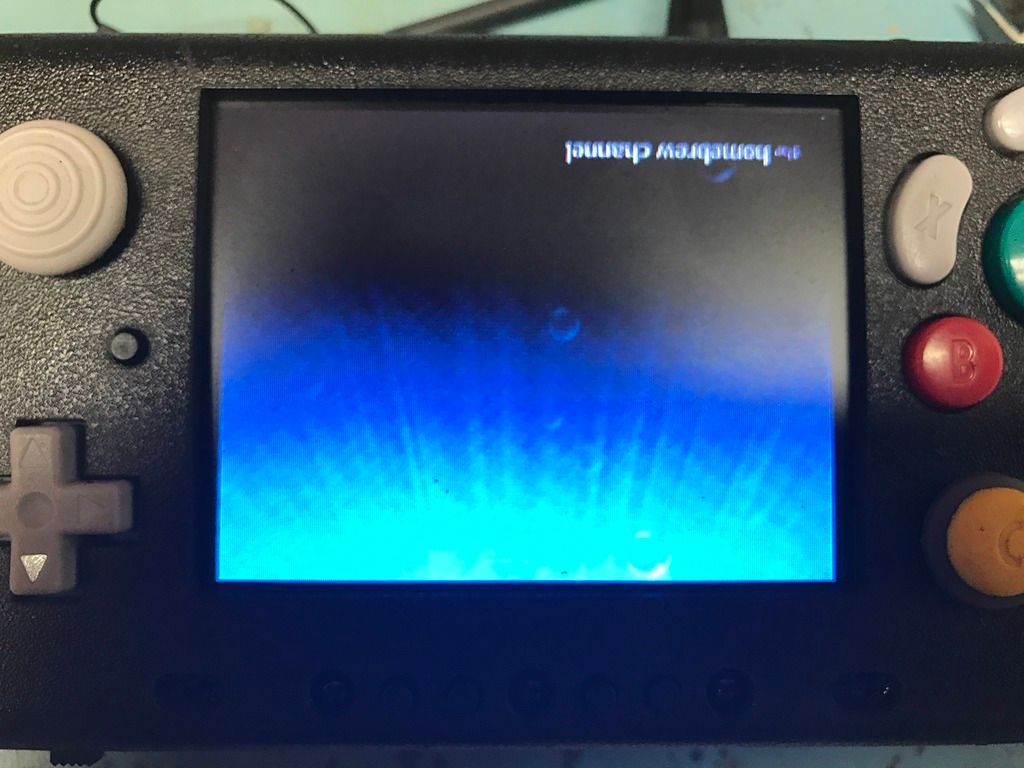
Followed by this upside down shit:
Fuckin help me
So when I boot it I get this: it doesn't do the usual portablizemii boot with the pcb traces either and the USB is the same one I was using before
Pressing dpad left causes it to bring that dialog back up after I close it.
Pressing up or down (I forget which) causes this to happen:
Followed by this upside down shit:
Fuckin help me
pengy
.
- Joined
- Aug 22, 2016
- Messages
- 118
- Likes
- 47
Cheese they seem good, I pulled them off and reattached them. On the wii trimming guide on one part pin 6 is green and on the other pin 6 is grey and I wondered why that is but I have the pin that's closer to the negative on the usb port connected to data - and the pin closer to the positive on the usb port connected to data +.
Aurelio if i erase the flashdrive and put the copy to usb back on it how will the wii recognize that? Will it try to reinstall portablizemii? Does it matter that I no longer have SD?
Aurelio if i erase the flashdrive and put the copy to usb back on it how will the wii recognize that? Will it try to reinstall portablizemii? Does it matter that I no longer have SD?
- Joined
- Jan 16, 2016
- Messages
- 1,526
- Likes
- 4,076
- Location
- standing up
- Portables
- please do not ask!!!! I will NOT respond
Definitely your USB drive/port connection. 5v and GND is the easy part to troubleshoot, those are on the edges of the connector. If the current D+ and D- combination isn't working, swap them around.
postLoader is installed on your Wii, but since it reads from USB for theme stuff and everything else, that's why it's all black. Homebrew channel is upside down because it detects that IOS58 is custom(aka NoWiFi.) It still works fine, though. And if USB was working, you'd see Nintendont and other stuff that's normally in the apps folder show up.
If everything was fine on your flash drive before, then you don't have to change anything there. Either way, putting the contents of the "COPY_TO_USB" back onto the USB drive won't hurt anything.
postLoader is installed on your Wii, but since it reads from USB for theme stuff and everything else, that's why it's all black. Homebrew channel is upside down because it detects that IOS58 is custom(aka NoWiFi.) It still works fine, though. And if USB was working, you'd see Nintendont and other stuff that's normally in the apps folder show up.
If everything was fine on your flash drive before, then you don't have to change anything there. Either way, putting the contents of the "COPY_TO_USB" back onto the USB drive won't hurt anything.
pengy
.
- Joined
- Aug 22, 2016
- Messages
- 118
- Likes
- 47
Thank you ss.
I tried swapping the data pins as I knew 5v and ground must be fine as the blue led on the flash drive lights when the system powers. Switching the data pins causes the wii to either not boot or to get stuck on a black screen, not sure which.
So I switched them back and it booted up again to the same black shit
On a side note, how do y'all keep from getting interference on composite lines? No matter what wire type I use I always end up with scrolling lines onscreen unless I use literal shielded wire from a video cable
I tried swapping the data pins as I knew 5v and ground must be fine as the blue led on the flash drive lights when the system powers. Switching the data pins causes the wii to either not boot or to get stuck on a black screen, not sure which.
So I switched them back and it booted up again to the same black shit
On a side note, how do y'all keep from getting interference on composite lines? No matter what wire type I use I always end up with scrolling lines onscreen unless I use literal shielded wire from a video cable
What guage wire are you using for the data lines? I used IDE and could not get a reliable connection. It was very hit or miss. When I switched to something thicker I got 100% boot rates.
Similar threads


- Replies
- 19
- Views
- 6K
