

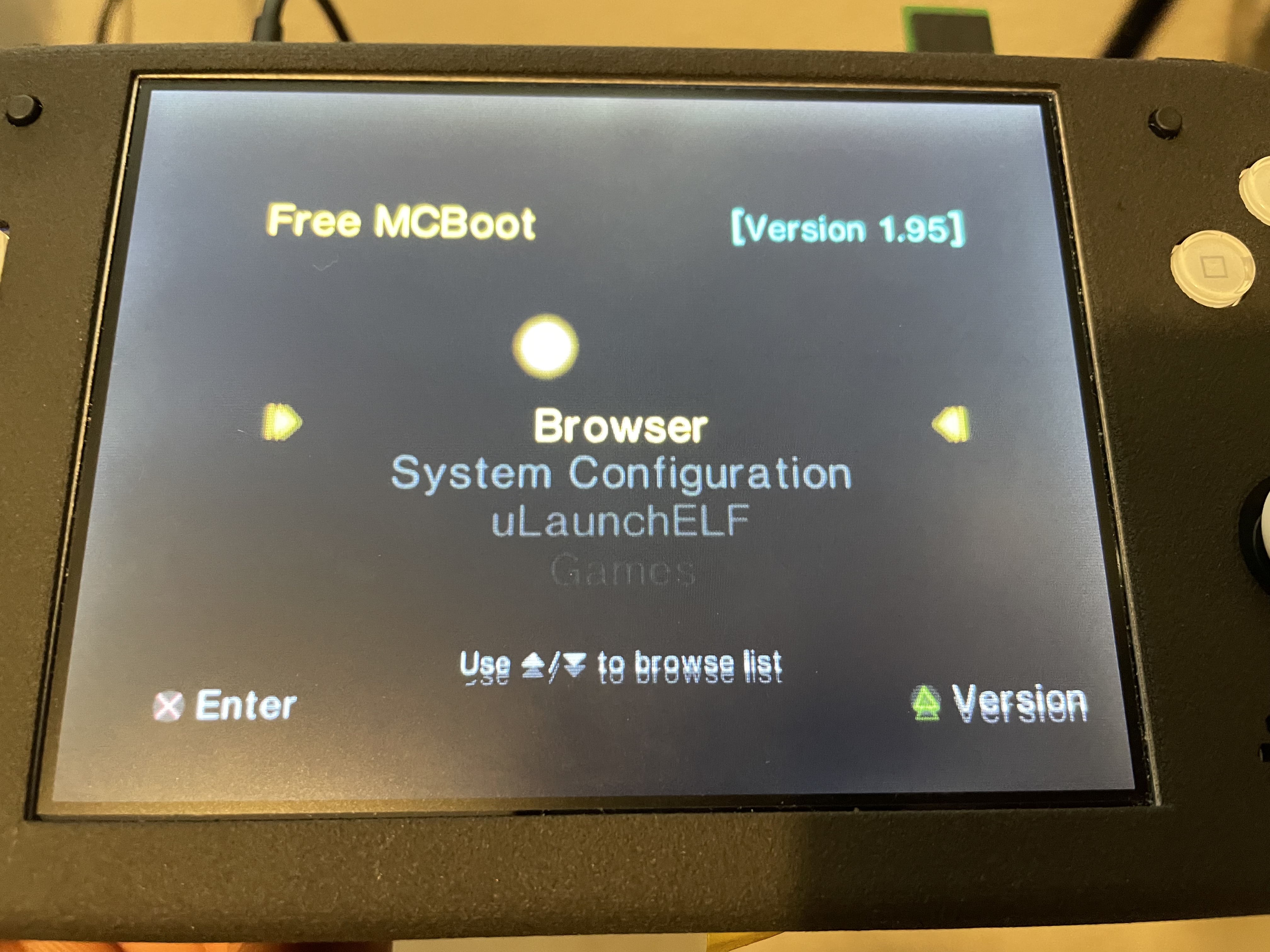
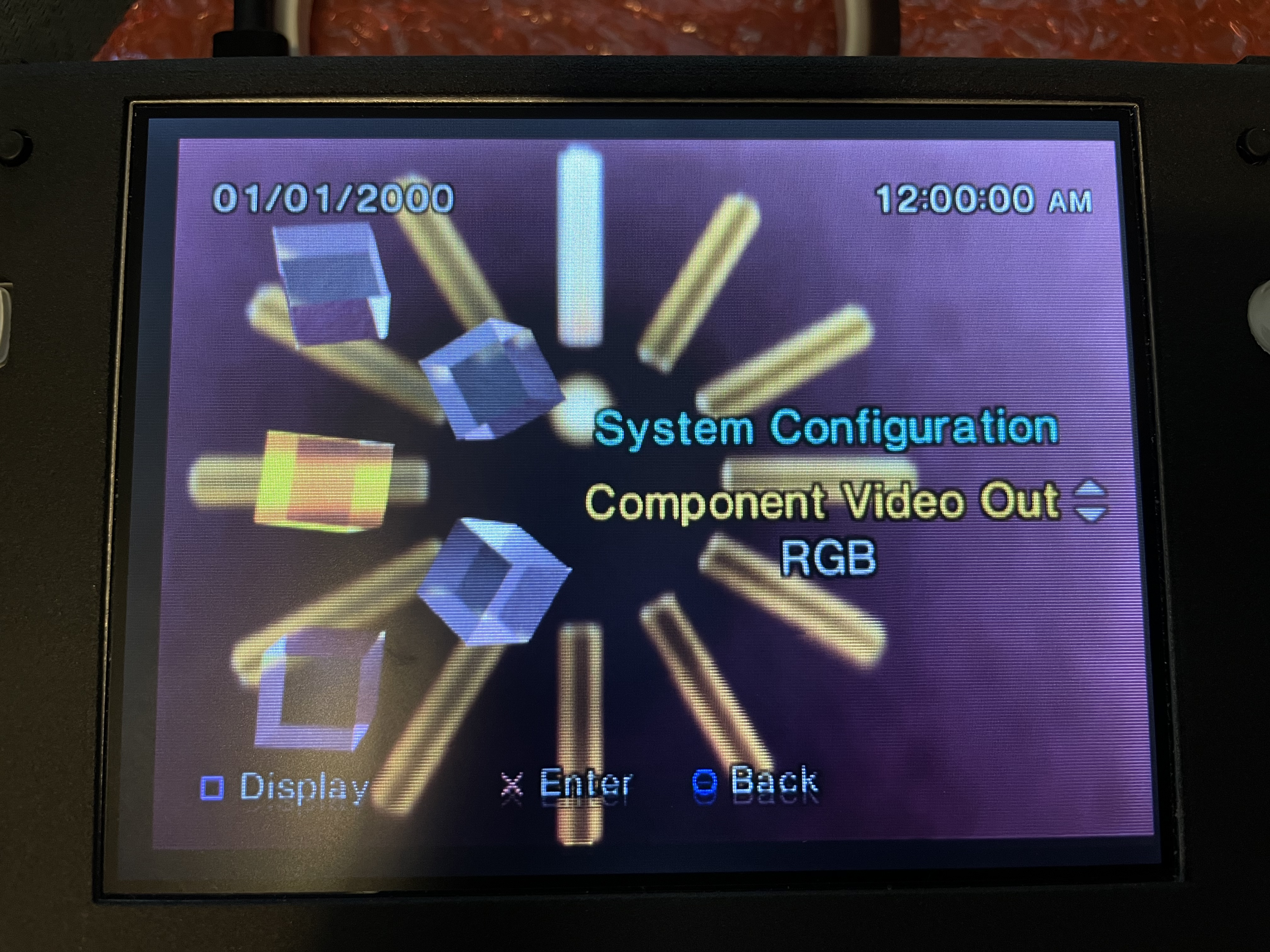
Need help figuring out why I’m getting weird colors plus double image on vga any help is appreciated.
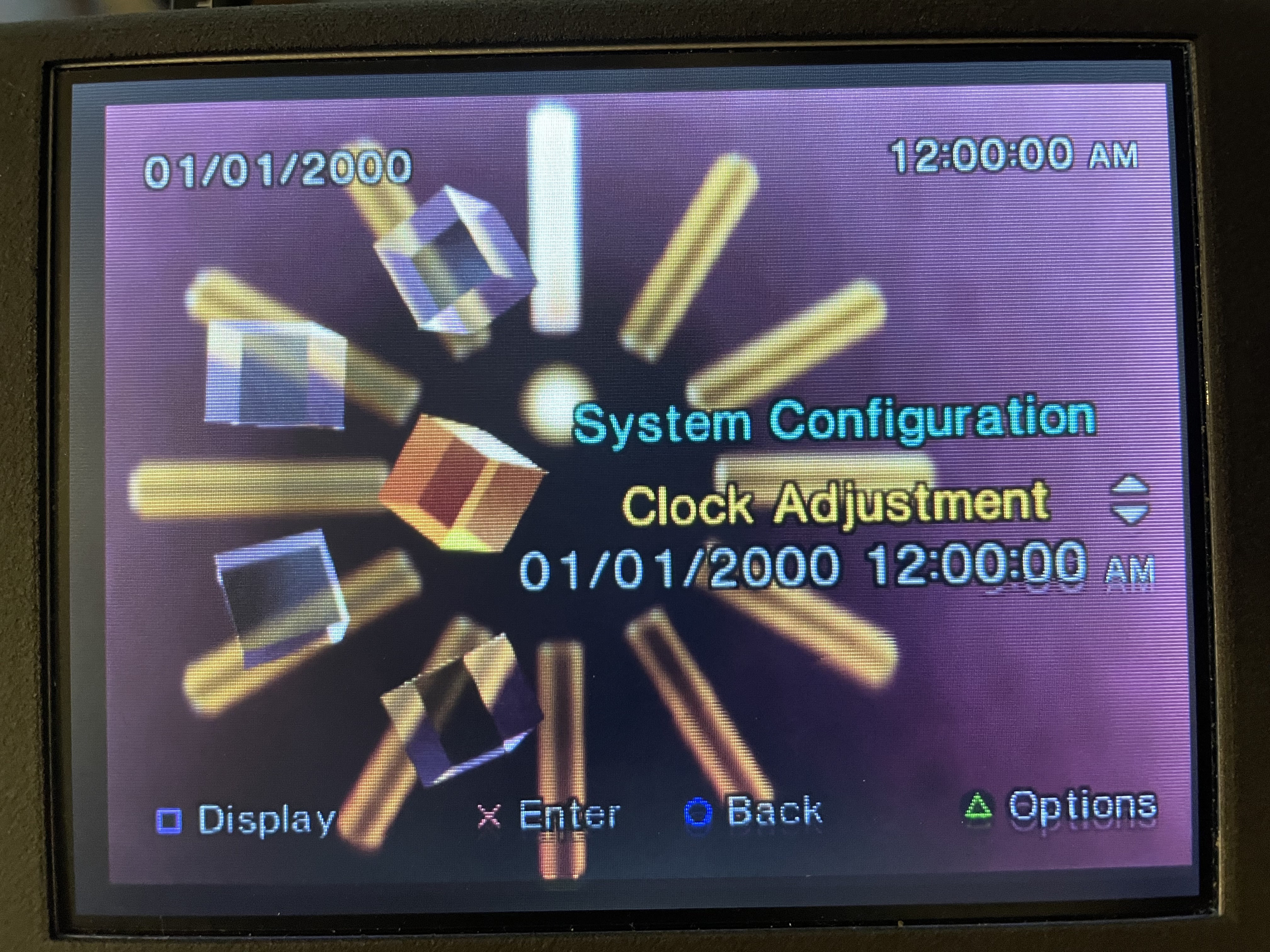

I didn’t know that is there a fix for it ?Those double lines are from deinterlacing the 480i signal.
I had the same lines when trying to play my pal version of Super Mario Sunshine via VGA.View attachment 29121
No still have that double image haven’t fully tested or reseat the ribbon cable like @Wesk suggested.Did you solve the problem ? what was the failure ?
I’ve messed with settings in opl but no luck, it’s something else since I get double image in main menu.maybe an OPL or FMCB setting to adjust the resolution or image output
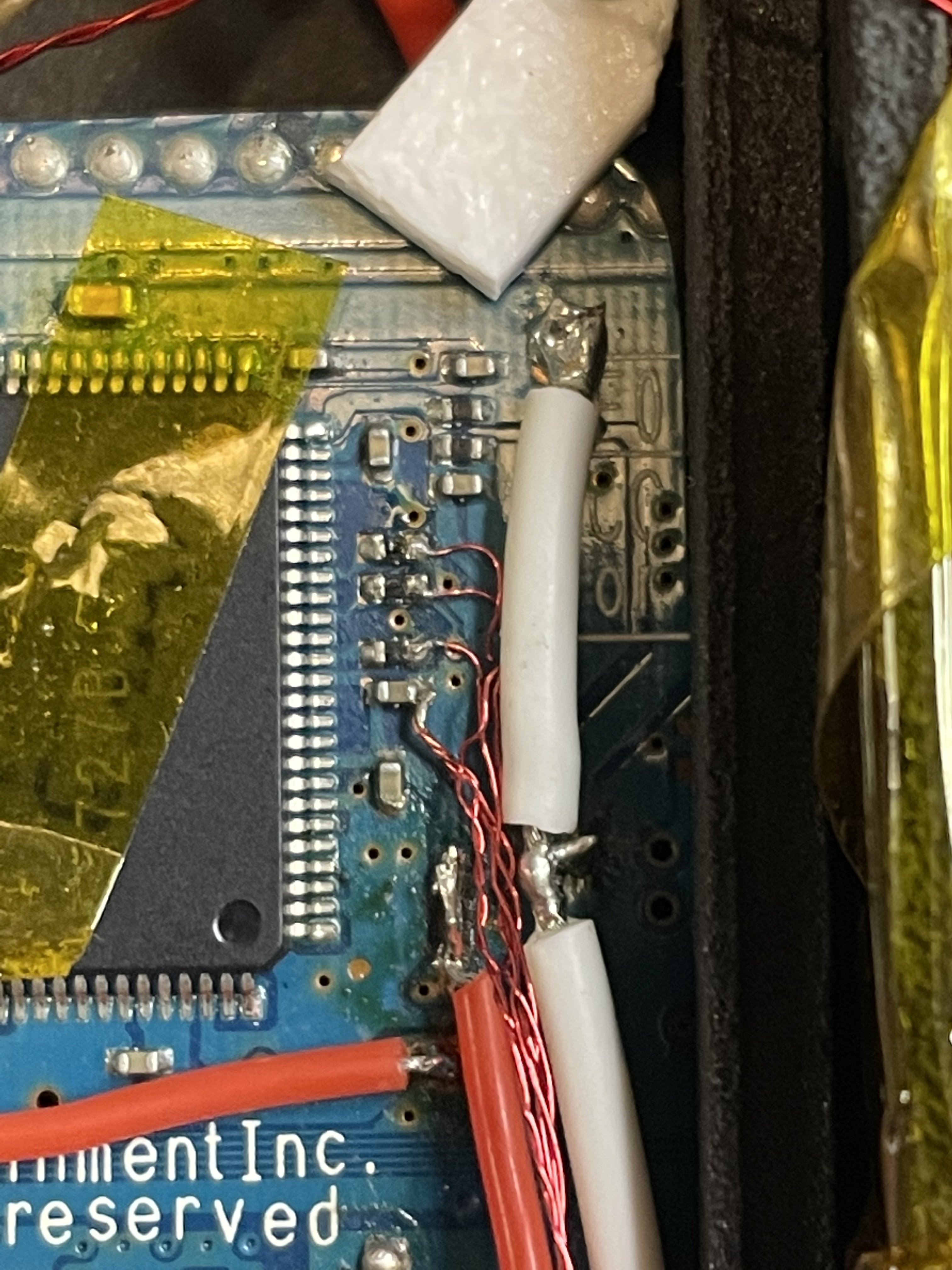
Not a pal and yes wires twisted I also have h/v twisted, I’ll open it up tonight and untwist them and test again.Are you using a pal console? Not sure if that makes a difference with the driver board. Do you have your wires shielded like twisted pairs for rgb and composite? H/V sync shouldn’t be twisted


