Question AVE showing no video output

Joined
Apr 8, 2020
Messages
121
Likes
8
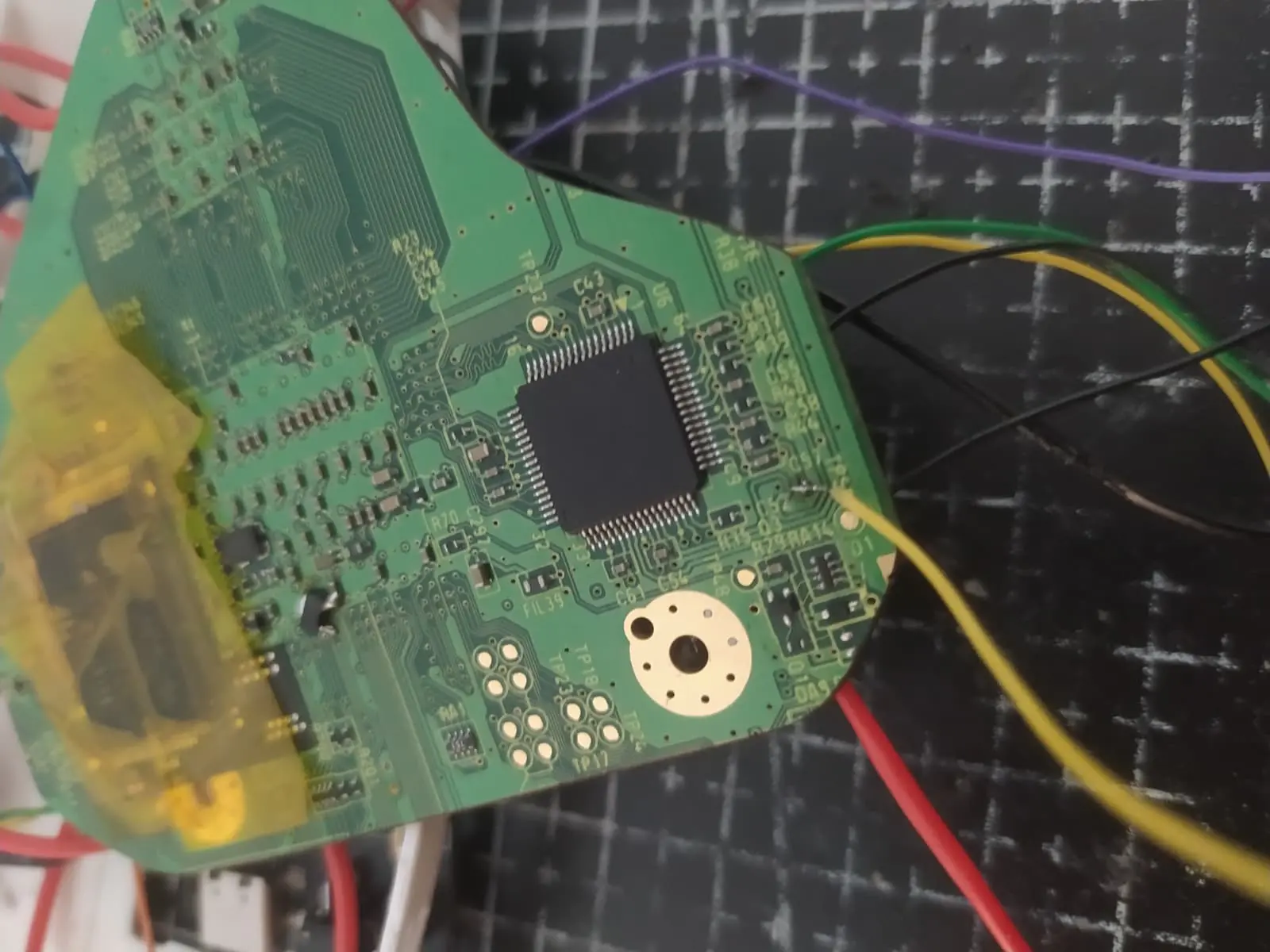
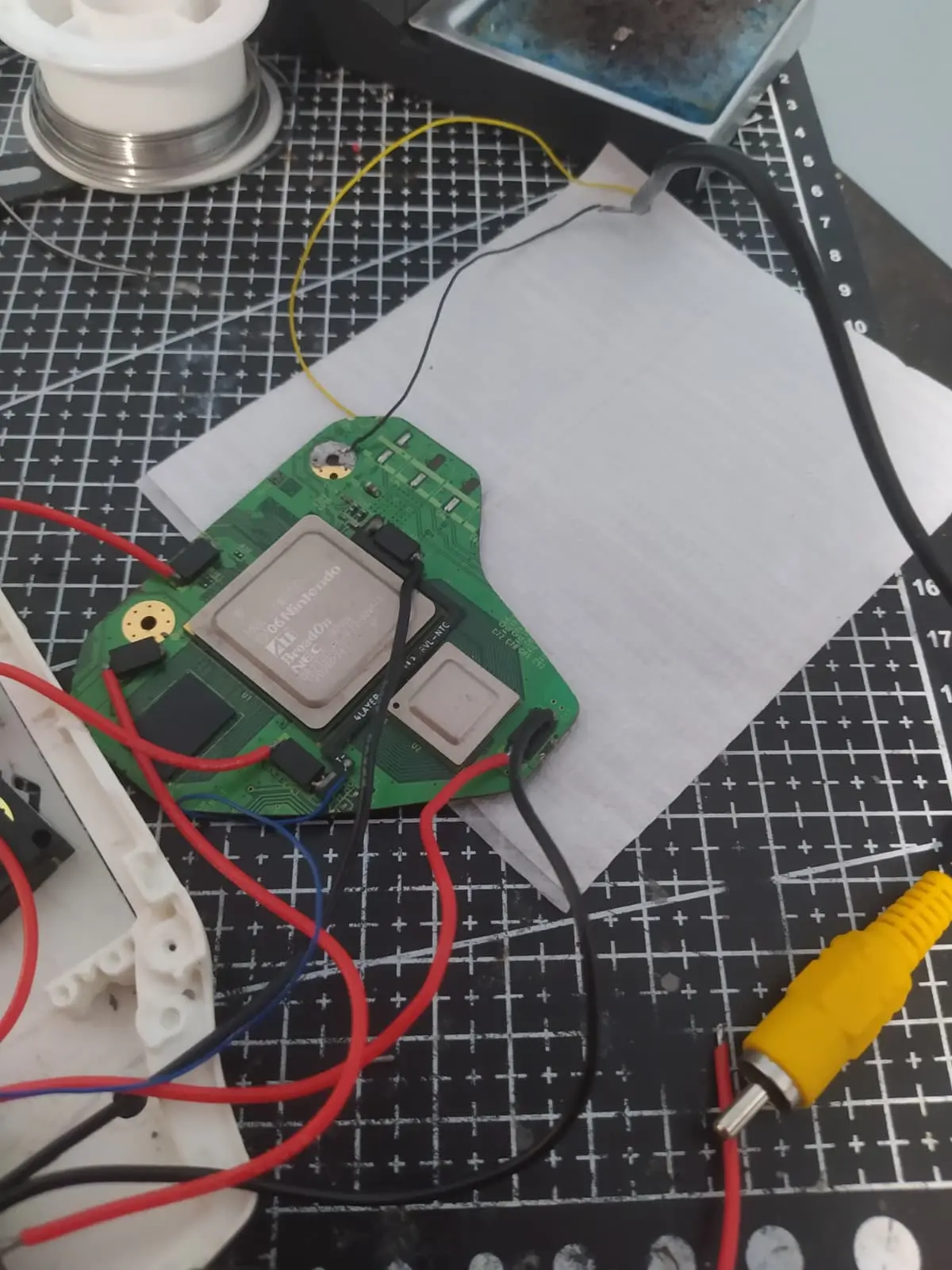
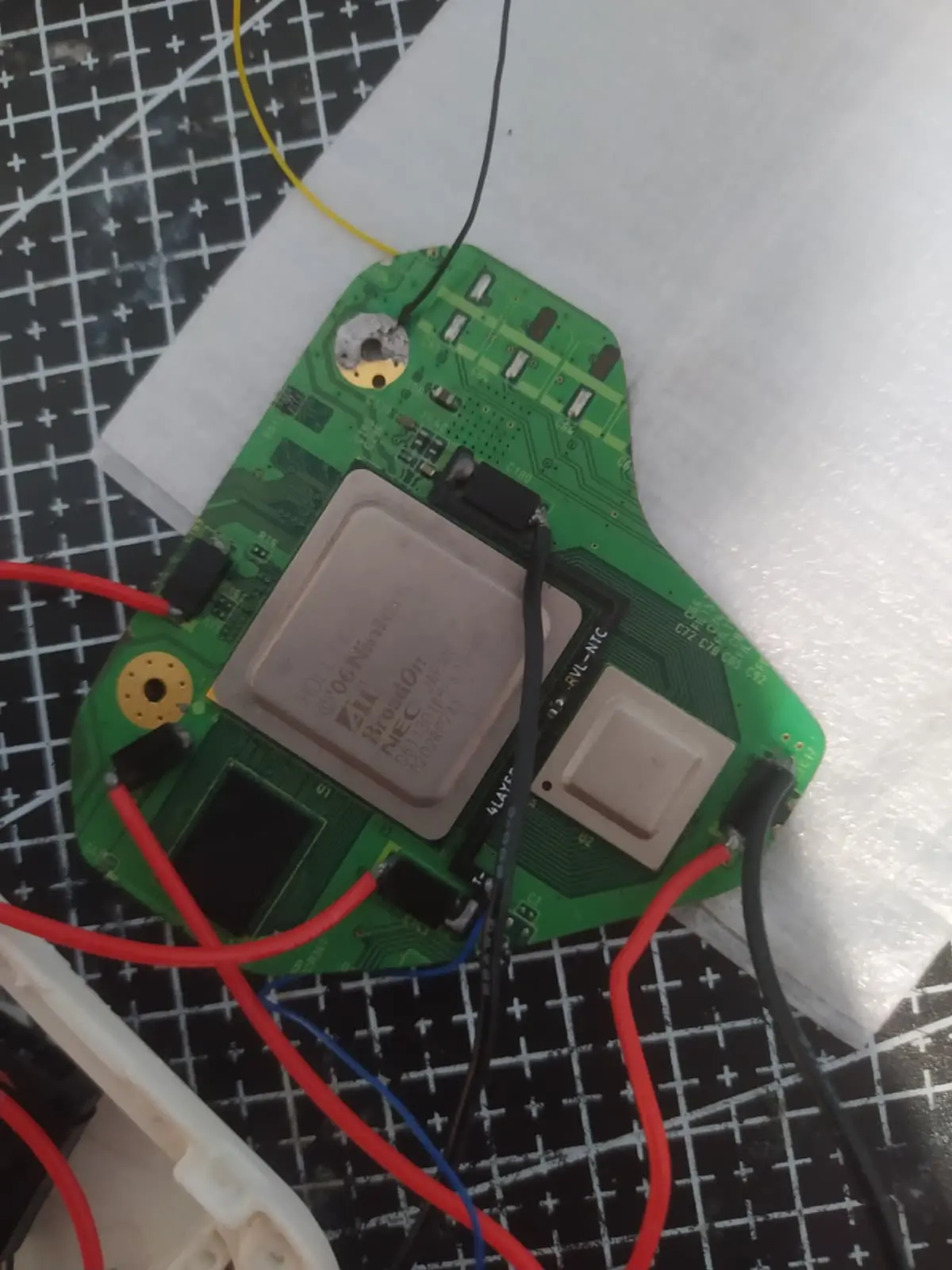
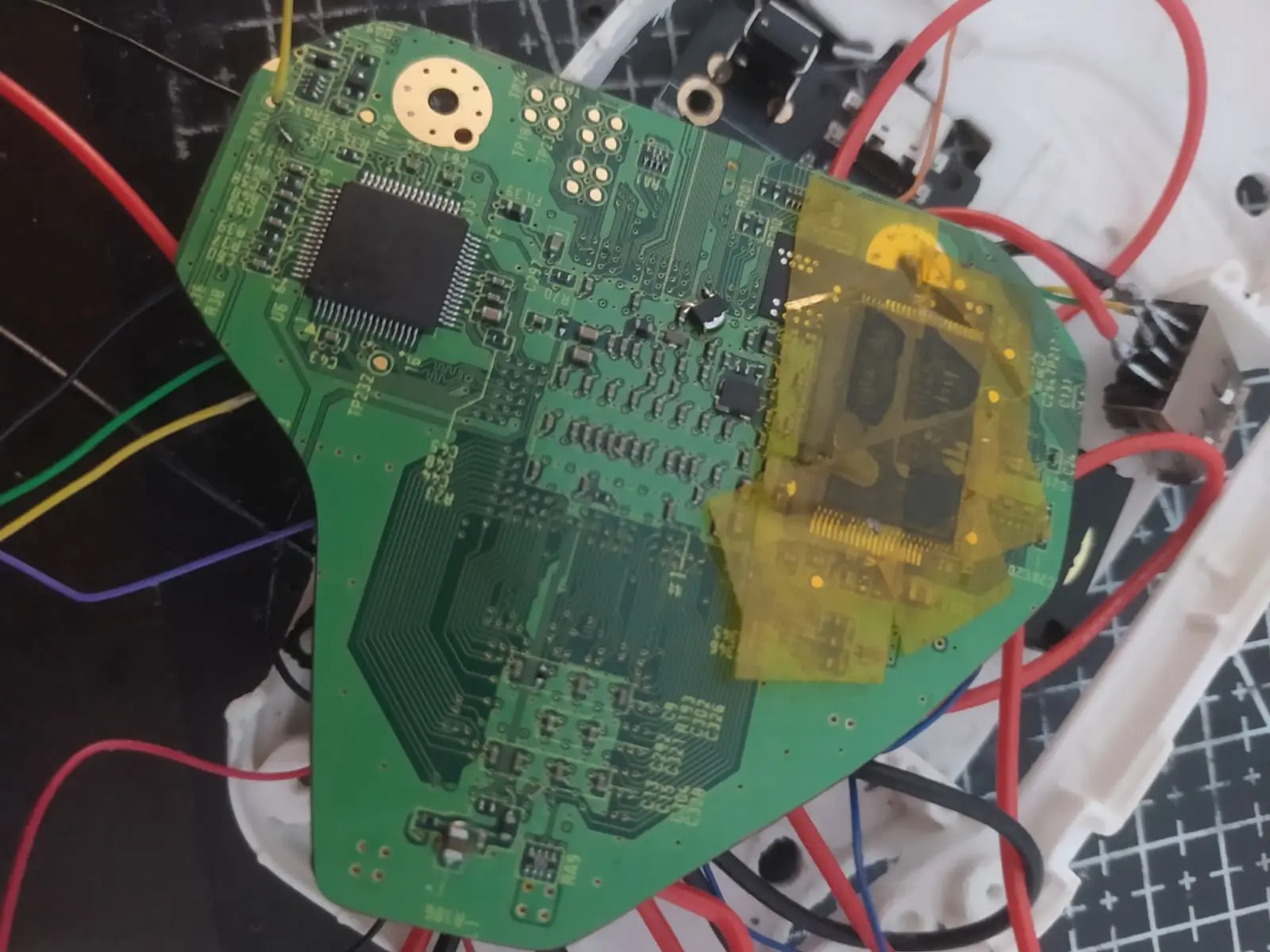
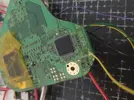
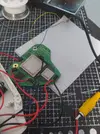
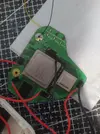
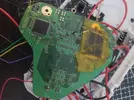
Here is my wiring.
WhatsApp Image 2025-12-01 at 10.24.24 PM.webp
WhatsApp Image 2025-12-01 at 10.24.23 PM.webp
WhatsApp Image 2025-12-01 at 10.24.22 PM (1).webp
WhatsApp Image 2025-12-01 at 10.24.22 PM.webp
WhatsApp Image 2025-12-01 at 10.24.24 PM.webpWhatsApp Image 2025-12-01 at 10.24.23 PM.webpWhatsApp Image 2025-12-01 at 10.24.22 PM (1).webpWhatsApp Image 2025-12-01 at 10.24.22 PM.webp
 
Are your voltages all reading as expected?

Also, when you LMAO Bugged your U10, did you check that you hadn't shorted 3.3v to GND? There's a 3.3v via right under the U10 in that spot
 
Are your voltages all reading as expected?

Also, when you LMAO Bugged your U10, did you check that you hadn't shorted 3.3v to GND? There's a 3.3v via right under the U10 in that spot

In voltage mode,

1.8 V ≈ 1.6 V
3.3 V ≈ 3.25 V
1.0 V ≈ 0.95 V
1.15 V ≈ 1.1 V

In Continuity mode,

1.8 V continuous beep
3.3 V shows continuity
1.0 V shows continuity
1.15 V continuous beep

In resistance mode,

1.8 V ≈ 6
3.3 V shows nothing. Just stays at 1 without fluctuating.
1.0 V ≈ 135
1.15 V ≈ 2
 
If the Wii console boots normally after relocating the U10 and NAND chips before trimming the motherboard, you should recheck the resistance values and voltages, then verify the continuity of the NAND pins (as trimming may have caused pin disconnection). If everything checks out, replace the AVE chip with a new one.


T: The condition of the AVE chip does not affect the Wii's power-on sequence. It serves solely as a display chip. Even if the AVE chip is removed, provided the NAND relocation is successful, connecting power should result in approximately 4.5-5W of power consumption during the Wii motherboard's startup. If the NAND relocation is faulty, power consumption will only reach around 3W after startup.
 
This trim + Nand relocation was a commission I received, and I got confirmation of it working and displaying video before it shipped.
 
Then you should check the resistance values to ground for each voltage. The NAND may have been normal before shipment, but there's no guarantee that the bumps during transit didn't cause the NAND solder pins to detach. You still need to re-inspect the NAND pins.


This trim + Nand relocation was a commission I received, and I got confirmation of it working and displaying video before it shipped.
 
In voltage mode,

1.8 V ≈ 1.6 V
3.3 V ≈ 3.25 V
1.0 V ≈ 0.95 V
1.15 V ≈ 1.1 V

In Continuity mode,

1.8 V continuous beep
3.3 V shows continuity
1.0 V shows continuity
1.15 V continuous beep

In resistance mode,

1.8 V ≈ 6
3.3 V shows nothing. Just stays at 1 without fluctuating.
1.0 V ≈ 135
1.15 V ≈ 2
When you do the resistance check you must first disconnect the PMS from the Wii. If it's still wired in, it will skew the readings. Use the 20k ohm setting for 3.3v and 2000 ohm for everything else. Ignore continuity, it's irrelevant here so long as no resistance is below 10 ohms.

Use this table to record your results and post a snip of it here when you're done.
 
I'm definitely no expert but did you check your battery voltages? I had a perfectly good trim showing low-ish voltages that would boot but not show video out until I charged my power source.
 
Don't forget to check your resistances in the other rows like 1V to 1.5v, 1v to 1.8v, 1.8v to 3.3v, ect.. All of your values look super low, are you sure you are measuring correctly with your multimeter (sometimes it shows it as 0.XXX thousand OHMs). The reason I am saying this is all your measurements would be good if they were multiplied by 1k.
 
Don't forget to check your resistances in the other rows like 1V to 1.5v, 1v to 1.8v, 1.8v to 3.3v, ect.. All of your values look super low, are you sure you are measuring correctly with your multimeter (sometimes it shows it as 0.XXX thousand OHMs). The reason I am saying this is all your measurements would be good if they were multiplied by 1k.
20k for 3.3V, 2k for everything else.
 
Then you should check the resistance values to ground for each voltage. The NAND may have been normal before shipment, but there's no guarantee that the bumps during transit didn't cause the NAND solder pins to detach. You still need to re-inspect the NAND pins.

I think this is okay?
1764908885450.webp
1764908885483.webp
 
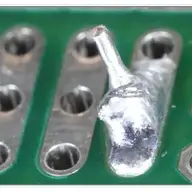
Does not look great... one cap might be shorted (the one below the big blob), and the other looks completely knocked off of its footprint with a soldering iron (don't see how that would happen in shipping). If you want to try and reorient the cap, one of the more advanced members can tell you where to relocate it from. Personally I would show these pictures to whoever did this commission; that massive solder blob and a knocked cap are pretty big mistakes.


edit: that nand flex board does not look soldered very well either, looks useable but some of the pins have very little solder
 
You have a short somewhere on the 1.15v line. 3.3v looks fine, so the U10 relocation is good and NAND flex is probably good.

Can you complete the table by measuring the resistance between each voltage rail and the other voltage rails? Just for posterity while I try to figure out how tf 1.15v is shorted to GND
 
Last edited:
You have a short somewhere on the 1.15v line. 3.3v looks fine, so the U10 relocation is good and NAND flex is probably good.

Can you complete the table by measuring the resistance between each voltage rail and the other voltage rails? Just for posterity while I try to figure out how tf 1.15v is shorted to GND
1765161992110.webp
 
Hmmmmmmmmmmmmmmmmmmmmmmmmmmmmmmmm. Everything aside from the 1.15v to GND short looks acceptable.

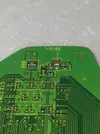
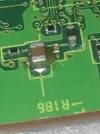
I guess we need to find that short. Fortunately there aren't many places that 1.15v can easily find GND. First we should check the edge of the trim right below the big 1.15v capacitor. Can you provide a clear and close photo of the trim edge in that area? Ideally one that clearly shows the PCB layers in good lighting so I can look for solder wisps or curled copper.

 
Hmmmmmmmmmmmmmmmmmmmmmmmmmmmmmmmm. Everything aside from the 1.15v to GND short looks acceptable.

I guess we need to find that short. Fortunately there aren't many places that 1.15v can easily find GND. First we should check the edge of the trim right below the big 1.15v capacitor. Can you provide a clear and close photo of the trim edge in that area? Ideally one that clearly shows the PCB layers in good lighting so I can look for solder wisps or curled copper.
IMG_20251208_131003.webp
IMG_20251208_130908.webp
IMG_20251208_131003.webp
IMG_20251208_130908.webp
IMG_20251208_130850.webp
IMG_20251208_131731.webp
IMG_20251208_131644.webp
IMG_20251208_131818.webp
IMG_20251208_131749.webp
IMG_20251208_131003.webp
IMG_20251208_130908.webp
IMG_20251208_130850.webp
IMG_20251208_131731.webp
IMG_20251208_131644.webp
IMG_20251208_131818.webp
IMG_20251208_131749.webp
 
Just to be clear, this column was supposed to be the COM, where I put the black probe, right?
1765245533500.webp
 
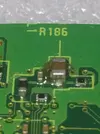
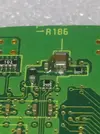
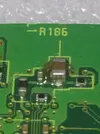
The trim edge looks clean, but yeah that flux blob might have a solder wisp in it. Can you clean the flux off with some isopropyl alcohol and make sure to remove any blobs or wisps?
Just to be clear, this column was supposed to be the COM, where I put the black probe, right?
View attachment 40938
Correct. Black probe goes on the location in the column, red probe goes on the location in the top row.
 
Back
Top