

- Joined
- Sep 17, 2016
- Messages
- 29
- Likes
- 5
Welcome, this is my latest attempt at making a portable. It's been 8 years since my last go, and 9 years from my first attempt:
Over this time, I've still always wanted to make a portable. So, let's give this one final shot...
A quick note: this isn't meant to be a sort of monumental portable; I just wanted to make a nice log of how my build is going for fun .
.
With this build I'd like to have a few features:
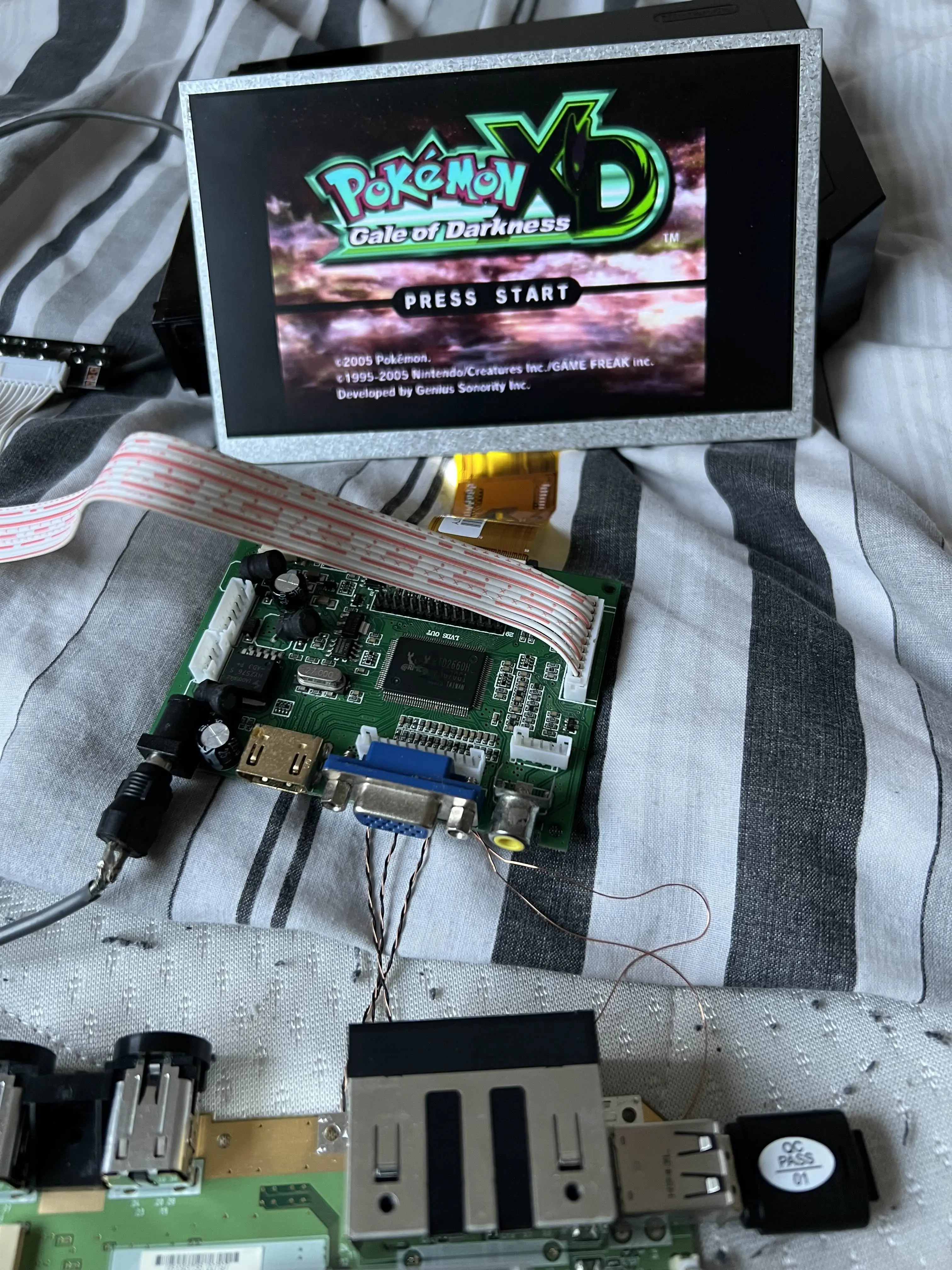
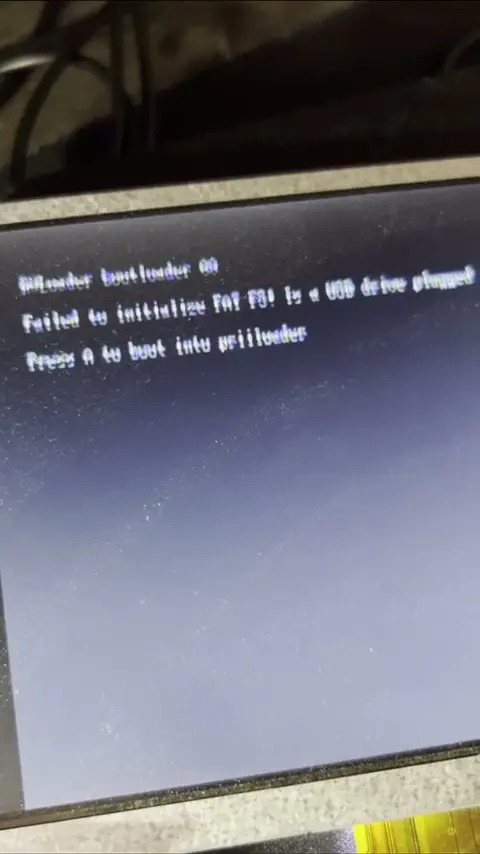
This issue doesn't occur when choosing not to use the VGA patches; however once you enable them, re-running the installer to disable them will not work.
I couldn't find much information for this online aside from one post by another user with no response... I was unsure if this was due to a mistake on my part or some sort of bug. As I am in the UK, using a PAL Wii, I get the feeling that this is some kind of issue related to refresh rate perhaps.
If you do not plan on using the VGA patches, but you have this issue, I managed to fix it by restoring my Wii's NAND (that I had created right after homebrewing). This fixed the issue; however as I am using VGA currently for the build, I had to re-enable them.
I also ran a quick test to make sure the VGA was not also broken. Whilst I got the colours mixed up, the image itself looks good.
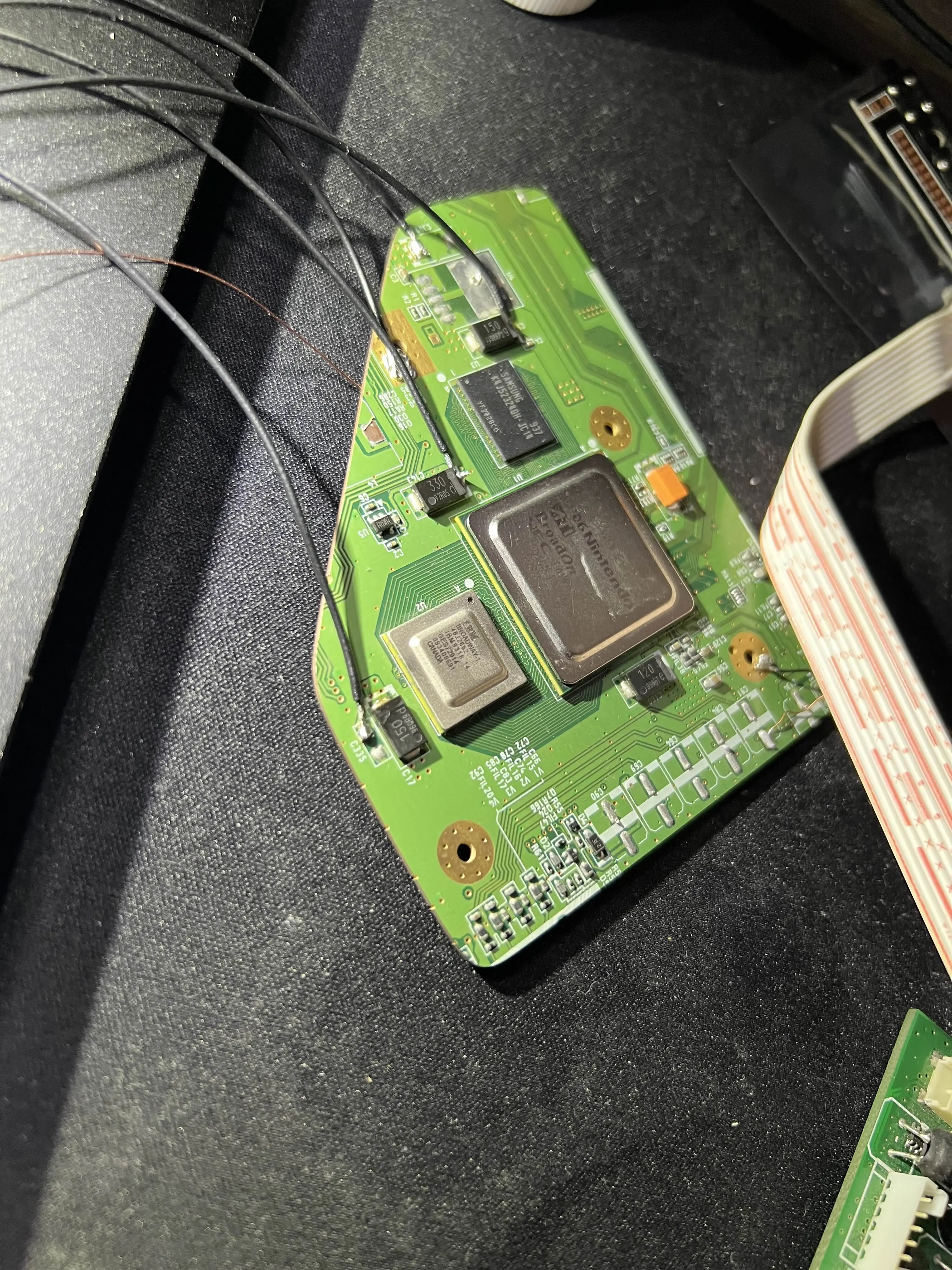
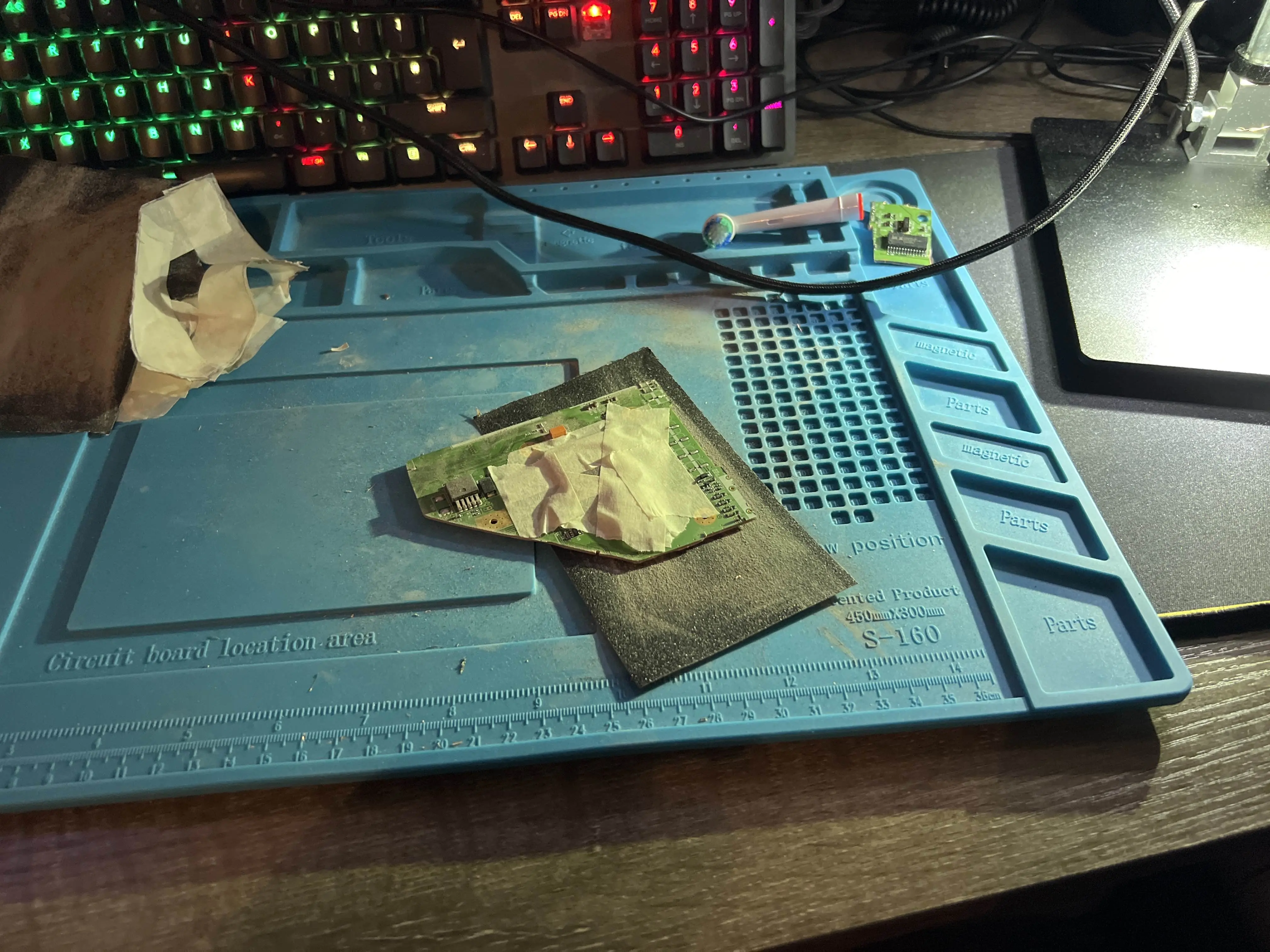
 Now that I've confirmed everything is set up and working, it's time for the part of the build I wasn't looking forward to... Board trimming time.
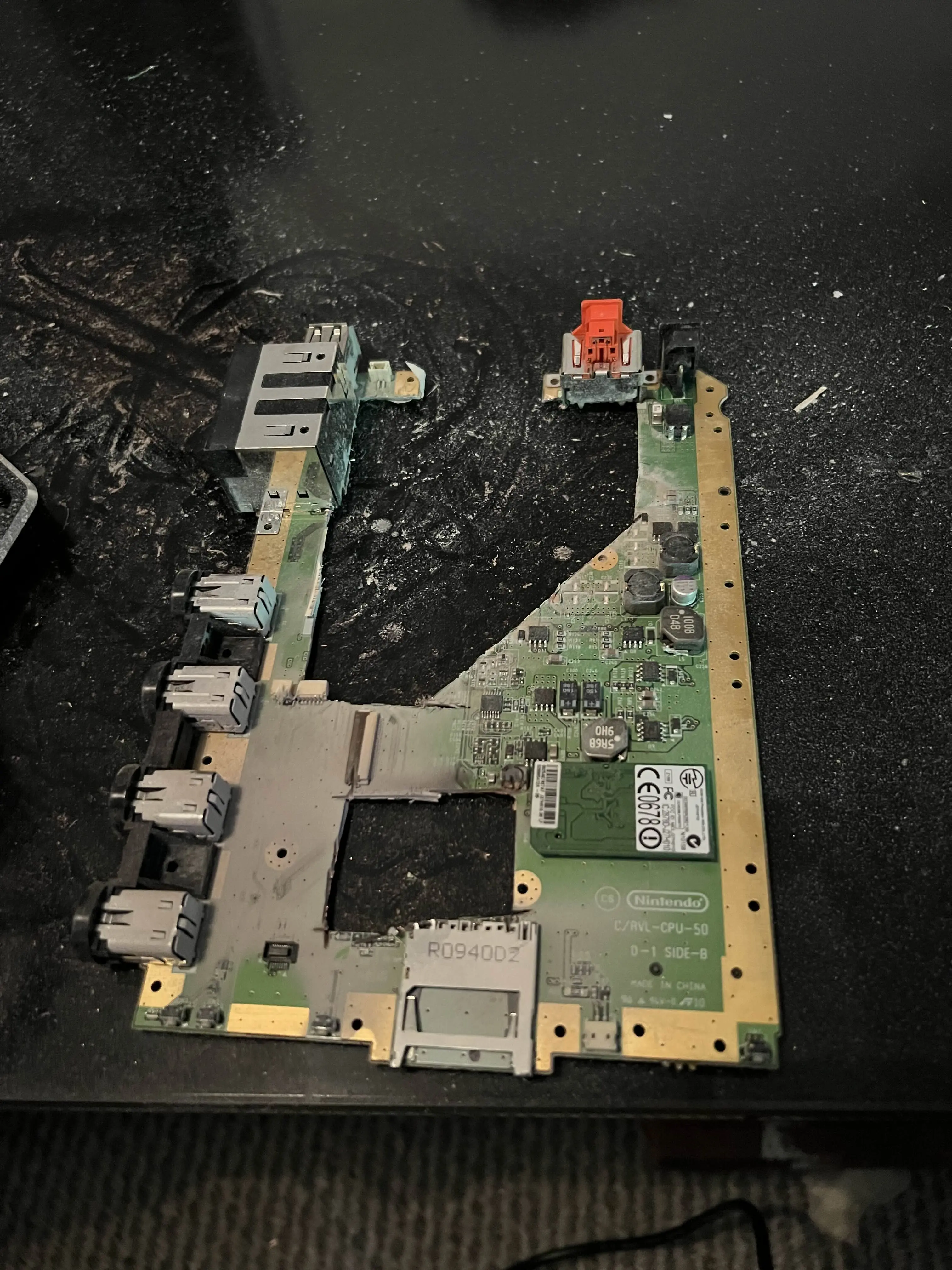
As you may have seen from my two previous attempts, I have never been a fan of trimming; whether it be due to having to use the Dremel or refining the board after the trim. I just sucked at doing this.
This time I wanted to try my best, and after an eternity of sanding, I ended up with a nice smooth board (ignore the wiring).
With the board finished, I took a few measurements of the resistance of the board voltage lines.
One of the issues I had was not realising that there was an internal threshold for continuity, commonly being around 50Ohms. I thought for a while that my 1.15V and 1.18V were both shorted to ground; however it turned out that this was just the resistance being below the threshold.
With that I decided to wire up the board to my PMS-2 and hope for the best.
Thankfully I got the Wii to boot! With that finally done, I will be preparing for the next bits I need to do:
Thanks to all the people who have helped and inspired me so far:
https://bitbuilt.net/forums/threads/yet-another-wii-portable-green_saints-portable.658/ (this was such a lousy attempt, I am so sorry Gman) | |
Over this time, I've still always wanted to make a portable. So, let's give this one final shot...
A quick note: this isn't meant to be a sort of monumental portable; I just wanted to make a nice log of how my build is going for fun
.With this build I'd like to have a few features:
- Bluetooth.
- Very long battery life.
- Potentially have external video output.
- Potentially adding a built in sensor bar if all the above is added. (Similarly to the Wii U Gamepad)
26/12/25 - Start
Began with my setup for the Wii being used in this portable. First issue I ran into was a fuzzy output using the AV cable after installing RVLoader with VGA patches enabled (forgot to take a picture of this, so here is a spoiler for the end):This issue doesn't occur when choosing not to use the VGA patches; however once you enable them, re-running the installer to disable them will not work.
I couldn't find much information for this online aside from one post by another user with no response... I was unsure if this was due to a mistake on my part or some sort of bug. As I am in the UK, using a PAL Wii, I get the feeling that this is some kind of issue related to refresh rate perhaps.
If you do not plan on using the VGA patches, but you have this issue, I managed to fix it by restoring my Wii's NAND (that I had created right after homebrewing). This fixed the issue; however as I am using VGA currently for the build, I had to re-enable them.
I also ran a quick test to make sure the VGA was not also broken. Whilst I got the colours mixed up, the image itself looks good.
As you may have seen from my two previous attempts, I have never been a fan of trimming; whether it be due to having to use the Dremel or refining the board after the trim. I just sucked at doing this.
This time I wanted to try my best, and after an eternity of sanding, I ended up with a nice smooth board (ignore the wiring).
With the board finished, I took a few measurements of the resistance of the board voltage lines.
One of the issues I had was not realising that there was an internal threshold for continuity, commonly being around 50Ohms. I thought for a while that my 1.15V and 1.18V were both shorted to ground; however it turned out that this was just the resistance being below the threshold.
With that I decided to wire up the board to my PMS-2 and hope for the best.
Thankfully I got the Wii to boot! With that finally done, I will be preparing for the next bits I need to do:
- Getting final parts for the build.
- Designing the case in FreeCAD.
- Sleeping.
Final Notes
One of the few things I am still deciding on is the screen. I want a 7-Inch display with good colour and viewing angles. With the potential for having video output too, I may need to use HDMI, which would require the ElectronAVE Kit for HDMI output. I always look for a screen but can never decide on one. If anyone has a good suggestion for a screen, please let me know!Thanks to all the people who have helped and inspired me so far:
Gman
Stitches
Crazzyleprechaun
MasterNate
jefflongo
DeoNaught
GingerOfOz
Shank
And probably many more
Last edited:


