

- Joined
- Sep 3, 2020
- Messages
- 447
- Likes
- 988
- Portables
- 8
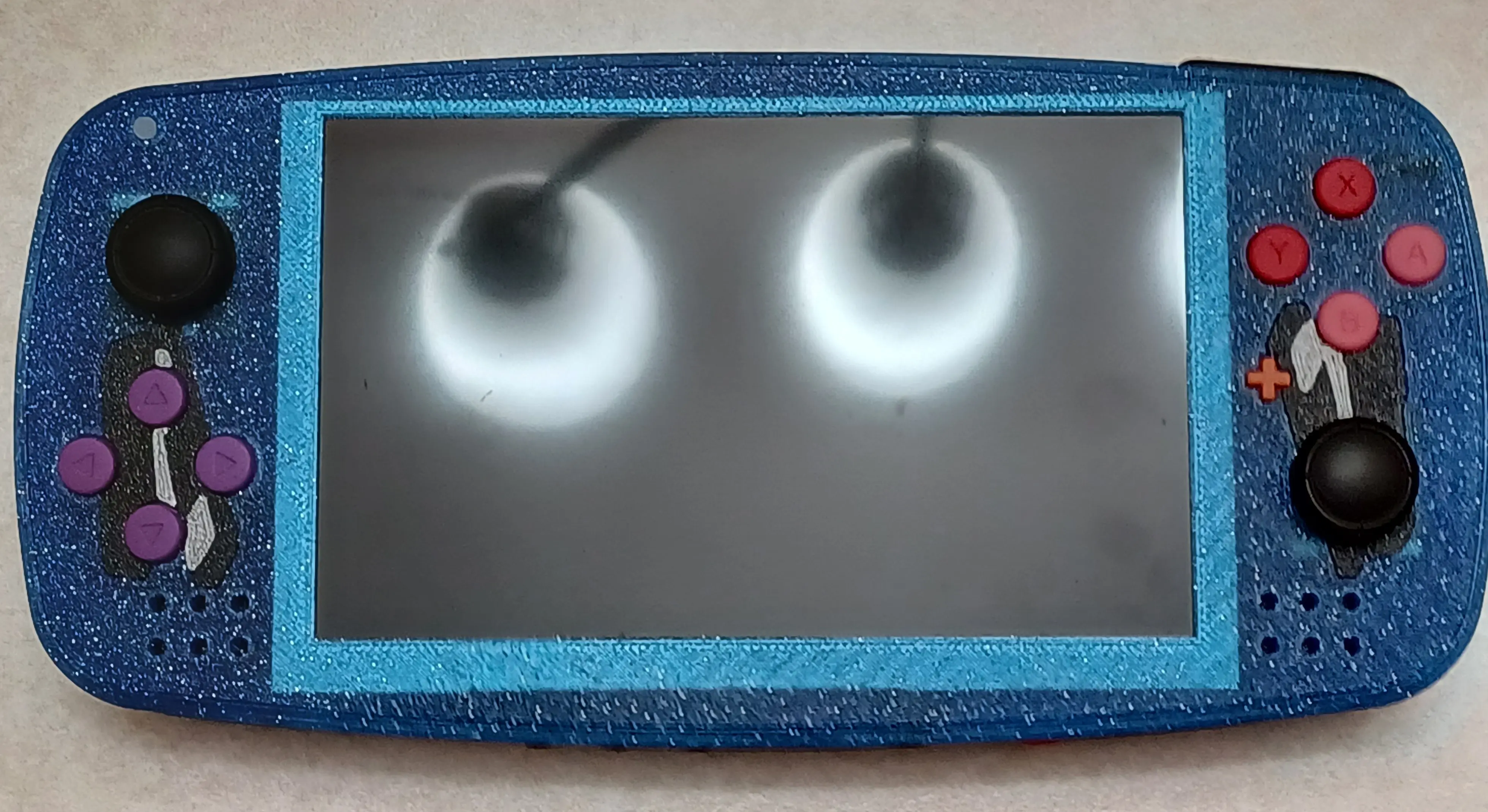
I'm a bit late to posting this, but a few months ago I made a Monogatari theme Wii portable based off GingerOfOz's "Louii Twoii" design. I never made a proper cutting edge post for it since I was distracted by MGC and got sick afterwards, so I figured I'd make one now! This portable features custom artwork that references the anime "Bakemonogatari". The show occasionally references the summer triangle and features other scenes and lyrical content where stars are relevant. For this reason, I decided to print this console in this Ziro blue sparkle filament. The first few episodes also contain content where school supplies - especially staplers - are somewhat relevant. So the front of this console has staplers printed into it along with what appears to be an odd color choice of buttons, but makes sense after seeing the back. This console also restores the original Louii's Dpad buttons because I prefer using those over an actual Dpad (at least on a portable where Dpads are known to have shotty input accuracy). This also solved the problem of the Louii Twoii's hard-to-source Dpad for me at least. 
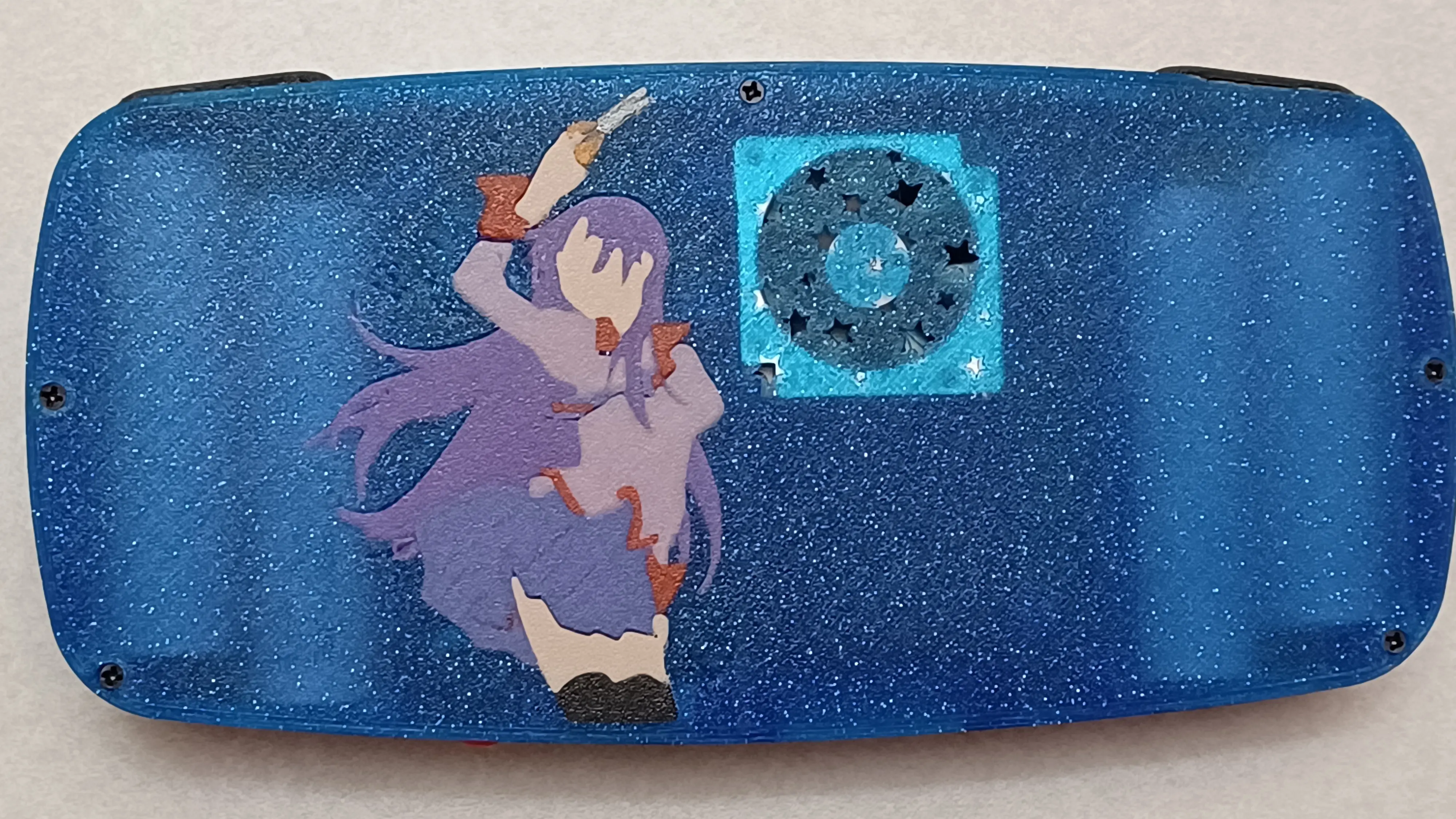
The back features artwork of one of the more relevant characters in the show "Senjougahara Hitagi" who was also referenced in the aforementioned resin printed buttons (special thanks to @That_Random_Guy for resin printing these as well as for making some unused custom vinyl cut stencils for painting the artwork). As implied before, the artwork isn't painted in, but is instead 3D printed into the back. This was a huge challenge, and required careful planning and scaling in order to achieve, but was well worth it due to the increased durability of the artwork! The back also features a custom fan intake with stars instead of the Louii's default intake - this does hamper the cooling a bit, but works fine with higher fan settings.

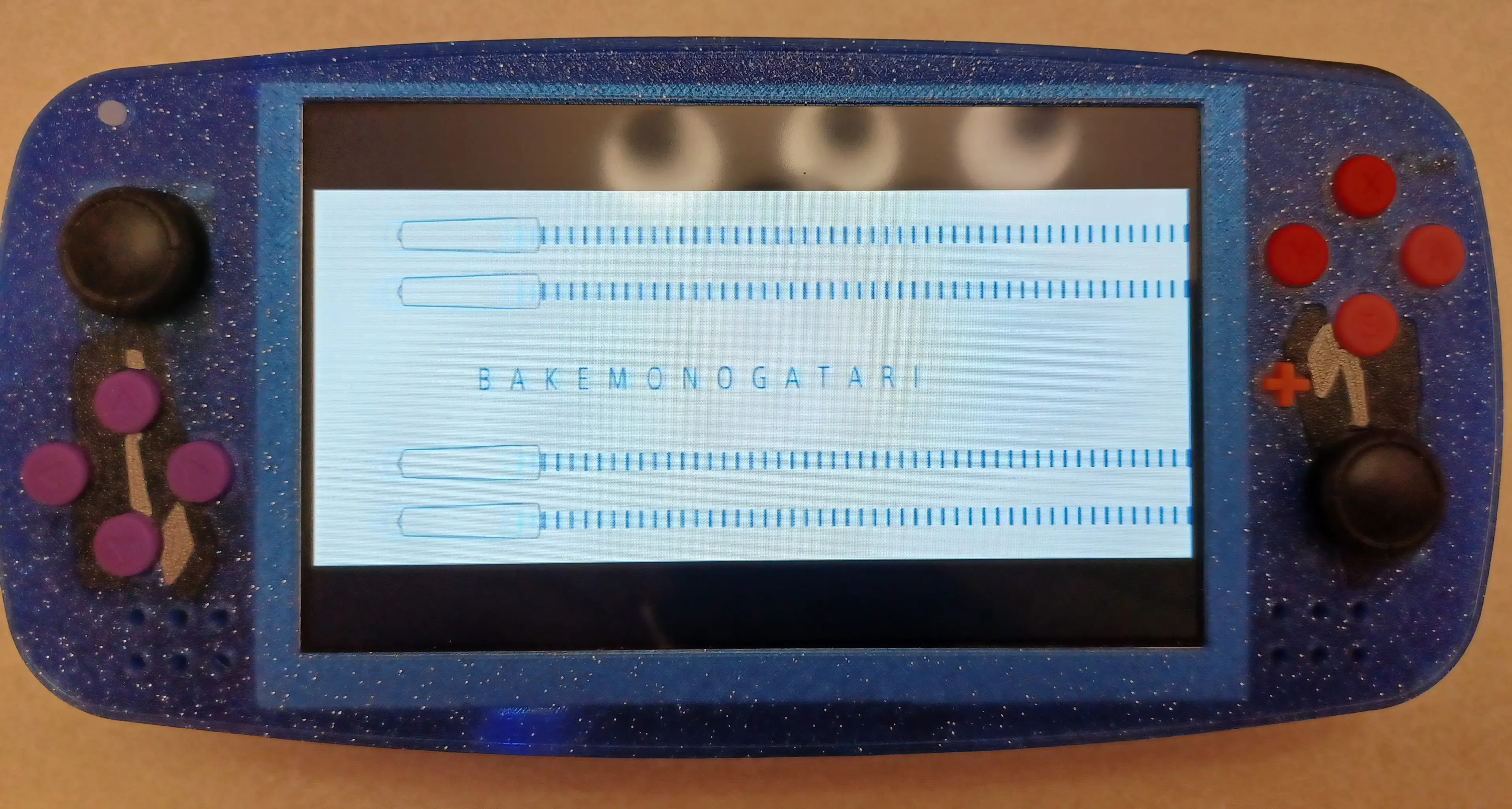
Here it is playing the very media it was customized after:
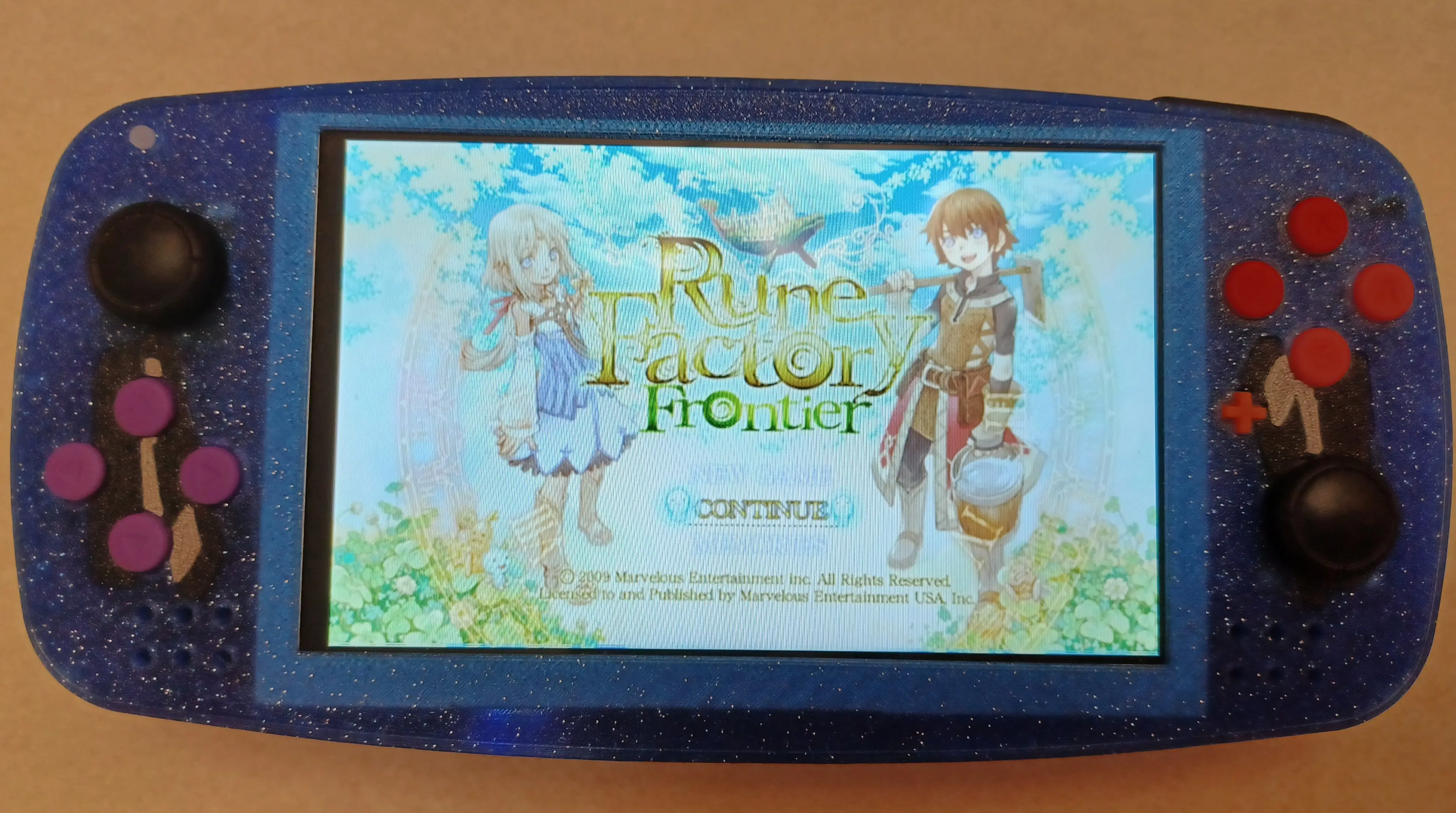
Here it is running Wii games:
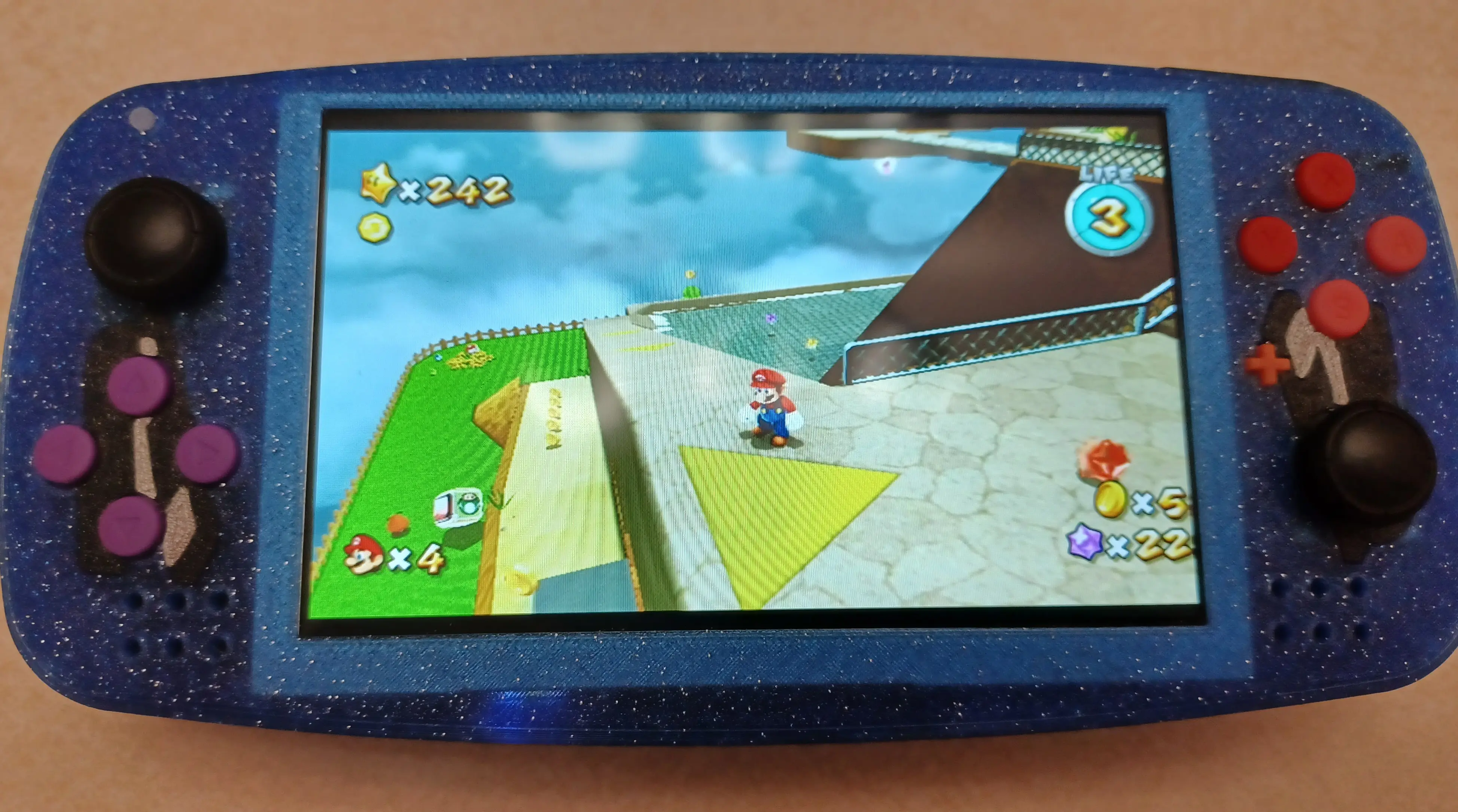
Here it is running GameCube games:
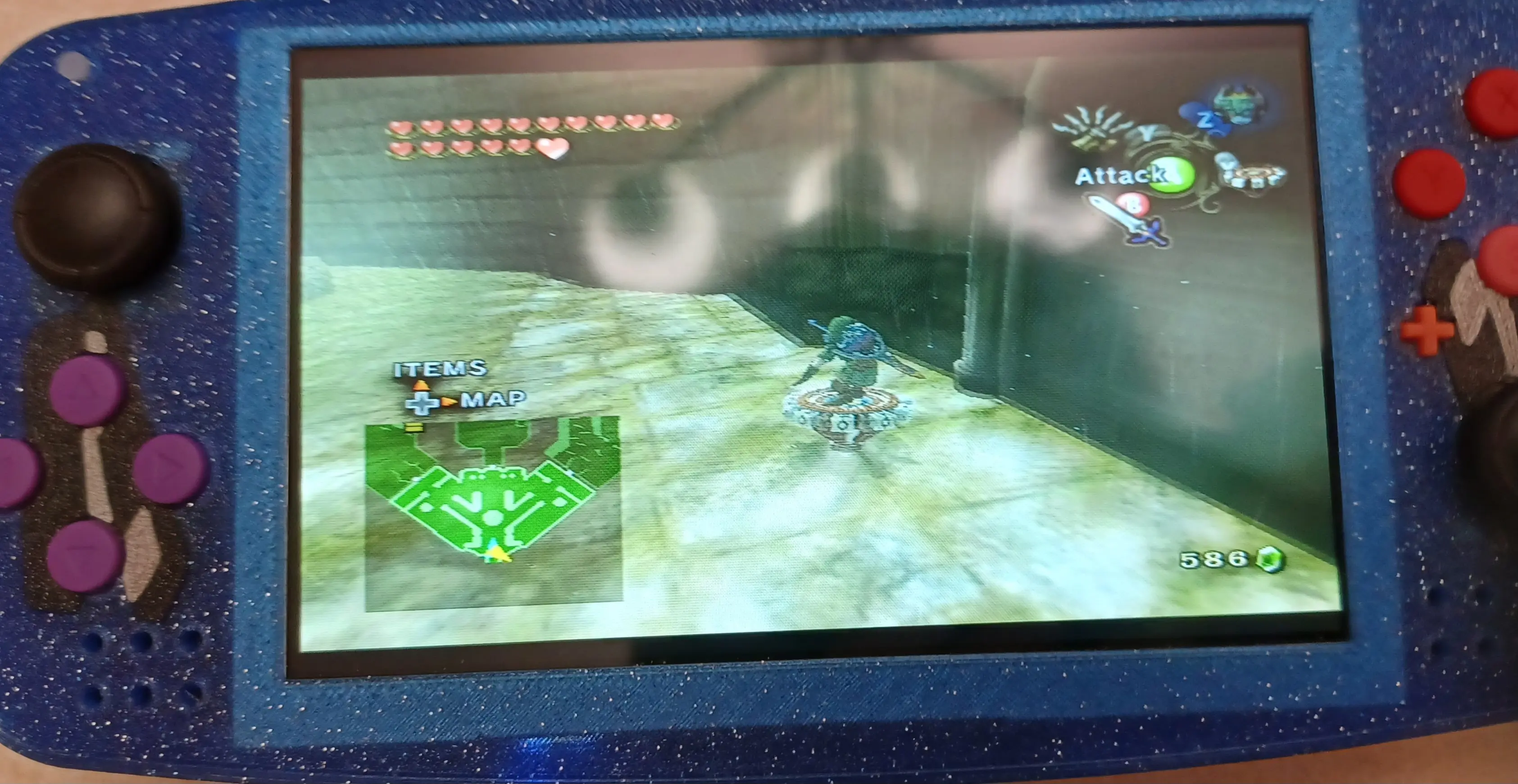
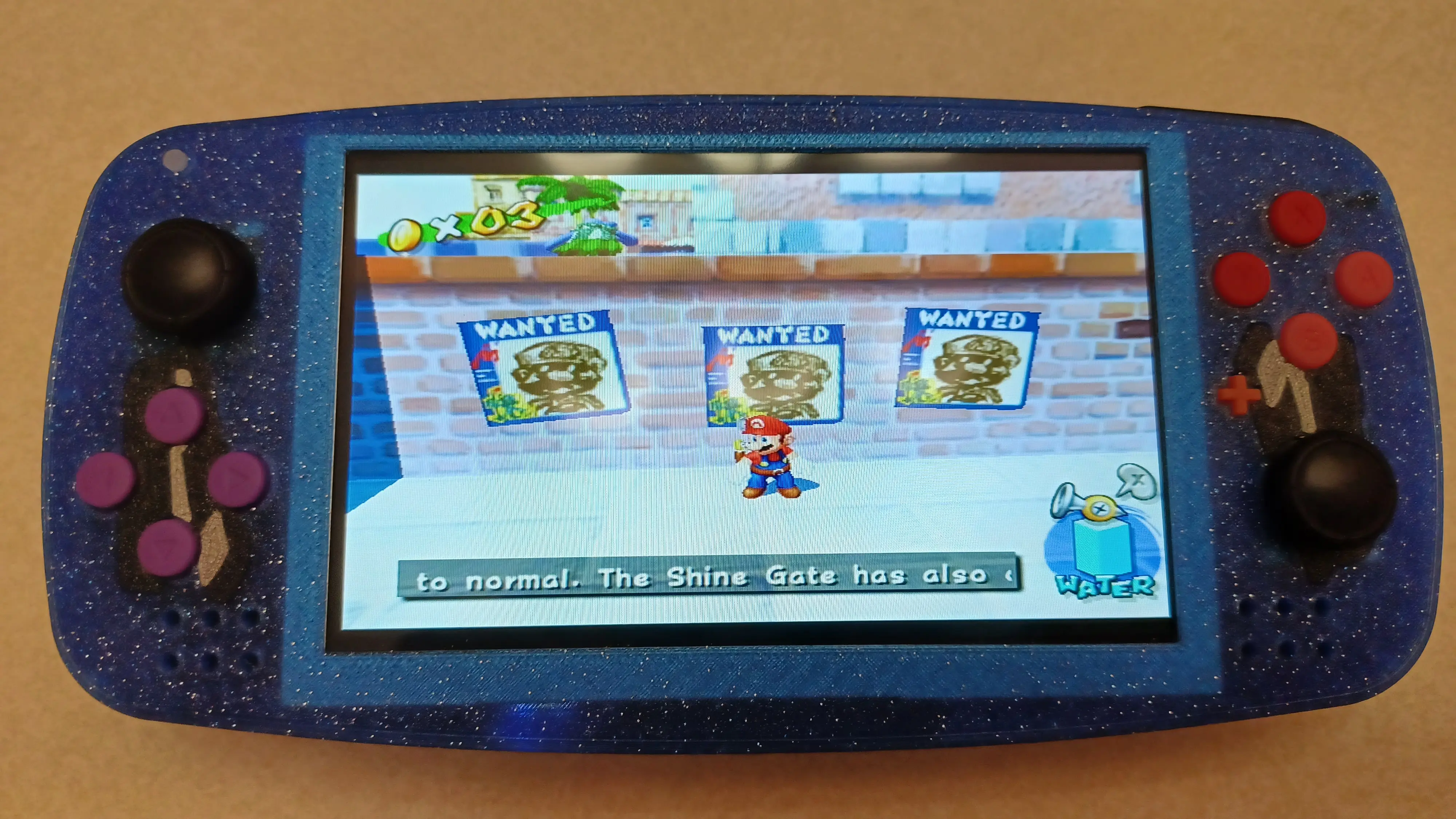
This portable features a 16:9 IPS display identical to the one used in the Ashida. Originally this display shipped with a remote to allow for screen adjustments over IR. From what I understand, it isn't being sold that way anymore (at least, not on the 4 Layer Tech website), but I do still have two of these remotes. The IR receiver is soldered to the screen driver board's control daughter board and can be de-soldered and relocated wirelessly for IR screen control functionality. For more information, you can check out this post in my worklog here. The post doesn't go into much more detail than I just did, but it does show where the IR sensor goes if you're interested in doing this yourself. This picture shows the IR screen control function at work:
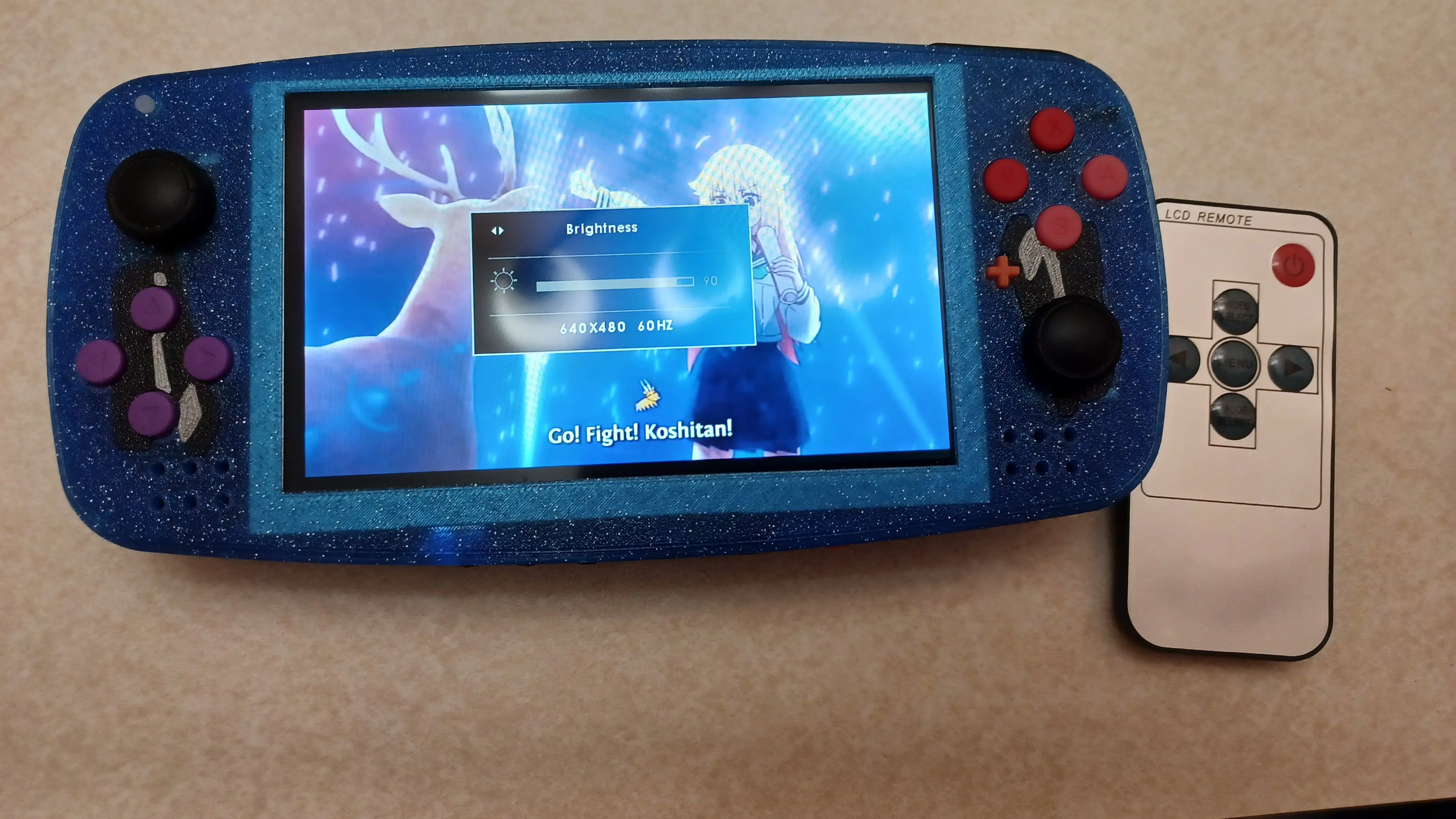
As a result, I was able to wire up the console's three extra tact switches to Volume +, Volume -, and Reset, allowing me to adjust the volume and reset the console more seamlessly. No need for Wii HUD or the reset button combinations that I can never seem to remember. This also has great debugging implications should I ever need to boot into priiloader. Best of all, I've only accidentally reset the console when reaching for the volume buttons three times!
I would like to thank @GingerOfOz for designing this beauty, @Wesk for etching the stapler artwork into the front and teaching me how to print art into the back, 4LayerTech for boards and parts, and @That_Random_Guy for resin printing and other help with this project!
The back features artwork of one of the more relevant characters in the show "Senjougahara Hitagi" who was also referenced in the aforementioned resin printed buttons (special thanks to @That_Random_Guy for resin printing these as well as for making some unused custom vinyl cut stencils for painting the artwork). As implied before, the artwork isn't painted in, but is instead 3D printed into the back. This was a huge challenge, and required careful planning and scaling in order to achieve, but was well worth it due to the increased durability of the artwork! The back also features a custom fan intake with stars instead of the Louii's default intake - this does hamper the cooling a bit, but works fine with higher fan settings.
Here it is playing the very media it was customized after:
Here it is running Wii games:
Here it is running GameCube games:
This portable features a 16:9 IPS display identical to the one used in the Ashida. Originally this display shipped with a remote to allow for screen adjustments over IR. From what I understand, it isn't being sold that way anymore (at least, not on the 4 Layer Tech website), but I do still have two of these remotes. The IR receiver is soldered to the screen driver board's control daughter board and can be de-soldered and relocated wirelessly for IR screen control functionality. For more information, you can check out this post in my worklog here. The post doesn't go into much more detail than I just did, but it does show where the IR sensor goes if you're interested in doing this yourself. This picture shows the IR screen control function at work:
As a result, I was able to wire up the console's three extra tact switches to Volume +, Volume -, and Reset, allowing me to adjust the volume and reset the console more seamlessly. No need for Wii HUD or the reset button combinations that I can never seem to remember. This also has great debugging implications should I ever need to boot into priiloader. Best of all, I've only accidentally reset the console when reaching for the volume buttons three times!
I would like to thank @GingerOfOz for designing this beauty, @Wesk for etching the stapler artwork into the front and teaching me how to print art into the back, 4LayerTech for boards and parts, and @That_Random_Guy for resin printing and other help with this project!


