Solved Trimmed Wii weird RGB pattern on video and wont boot

Nex

.
Joined
Apr 2, 2022
Messages
7
Likes
0
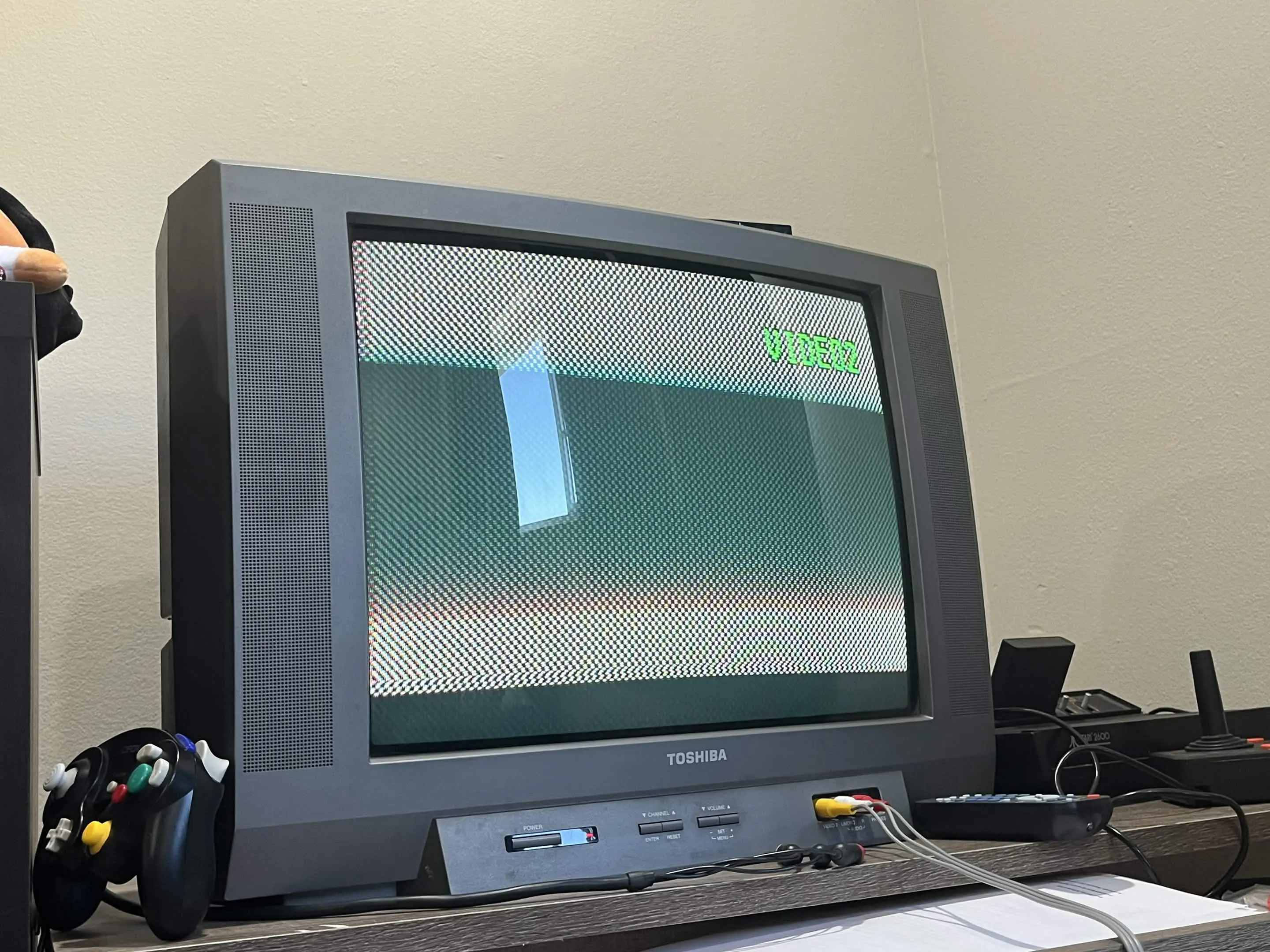
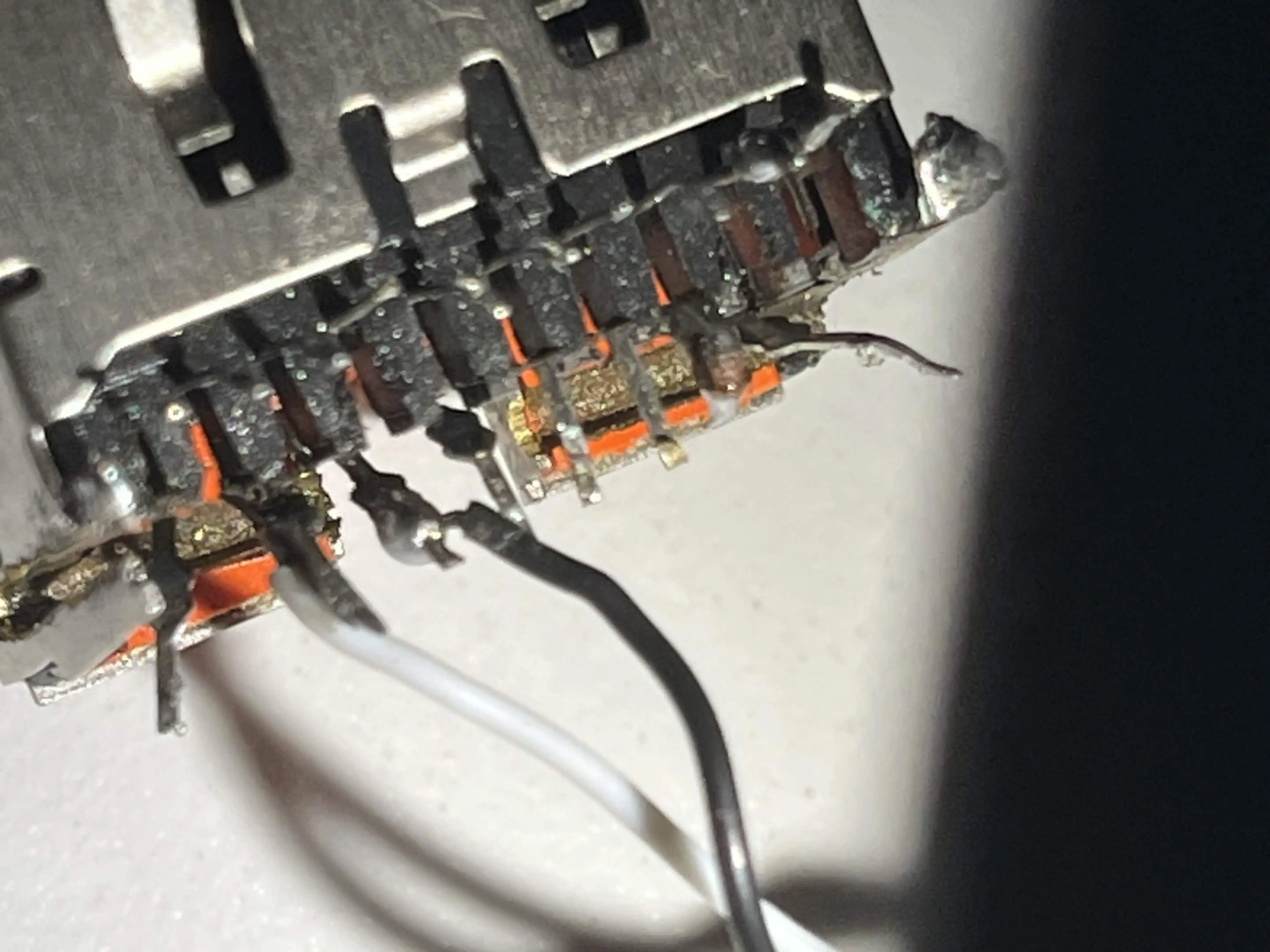
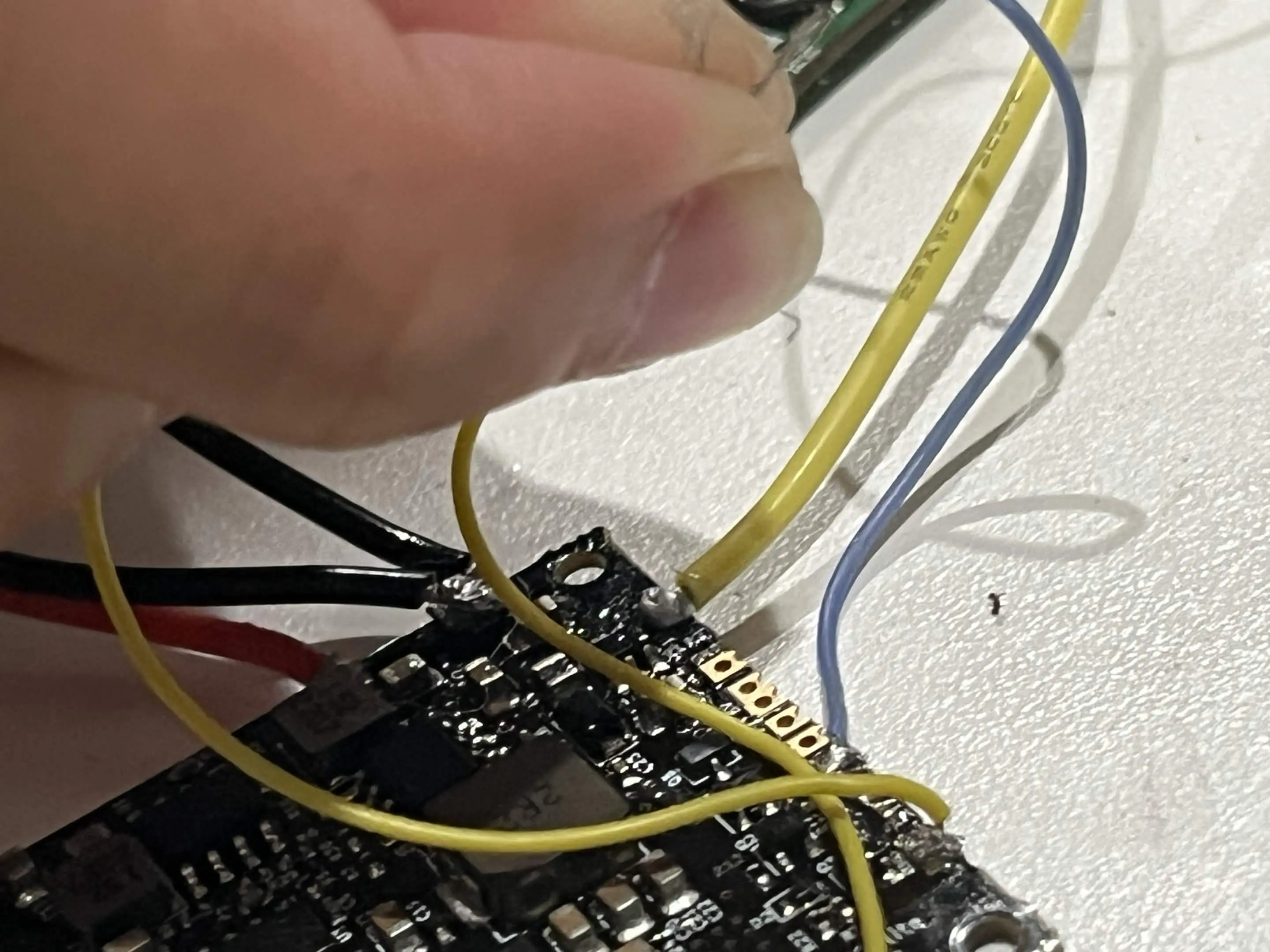
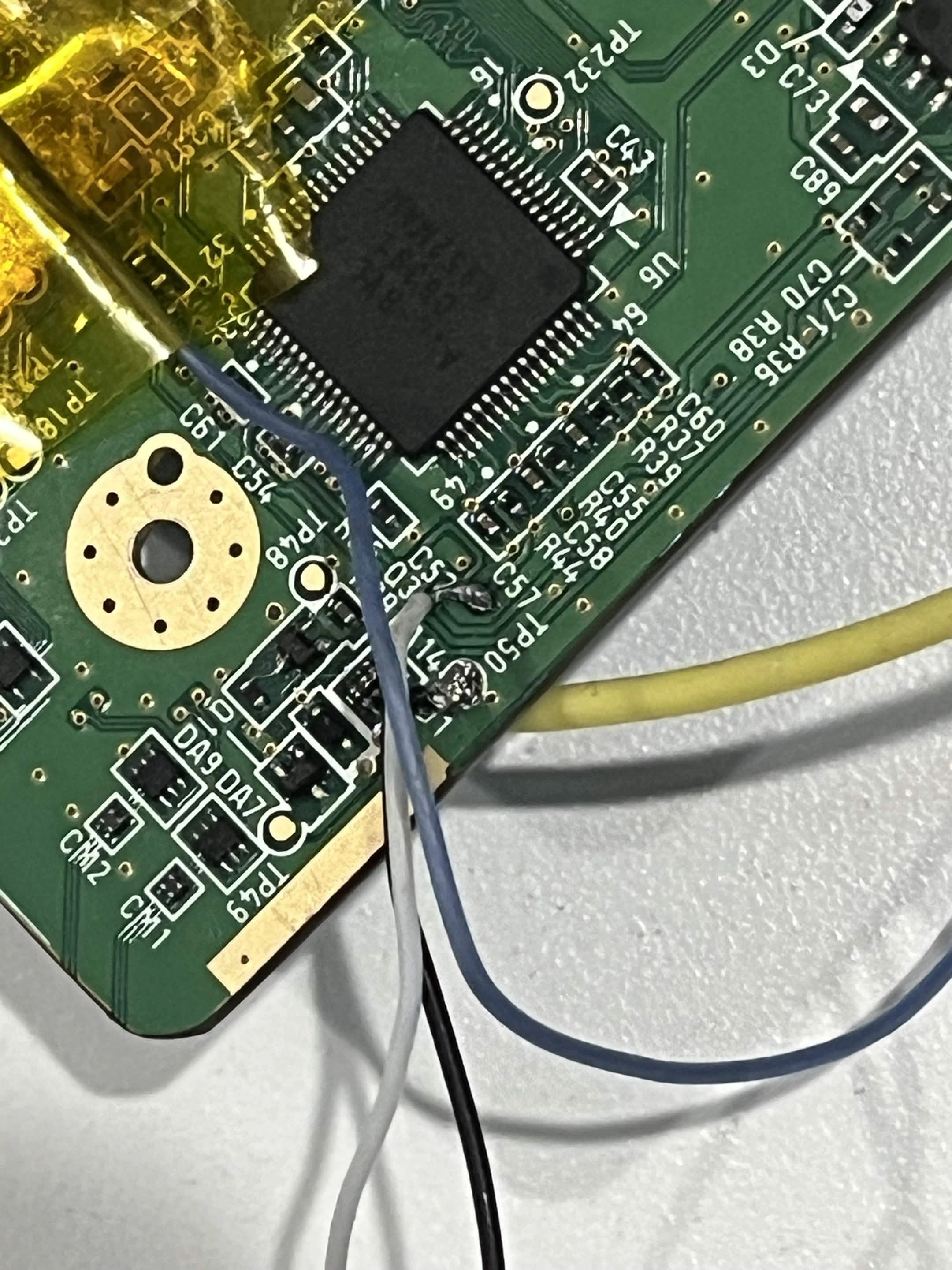
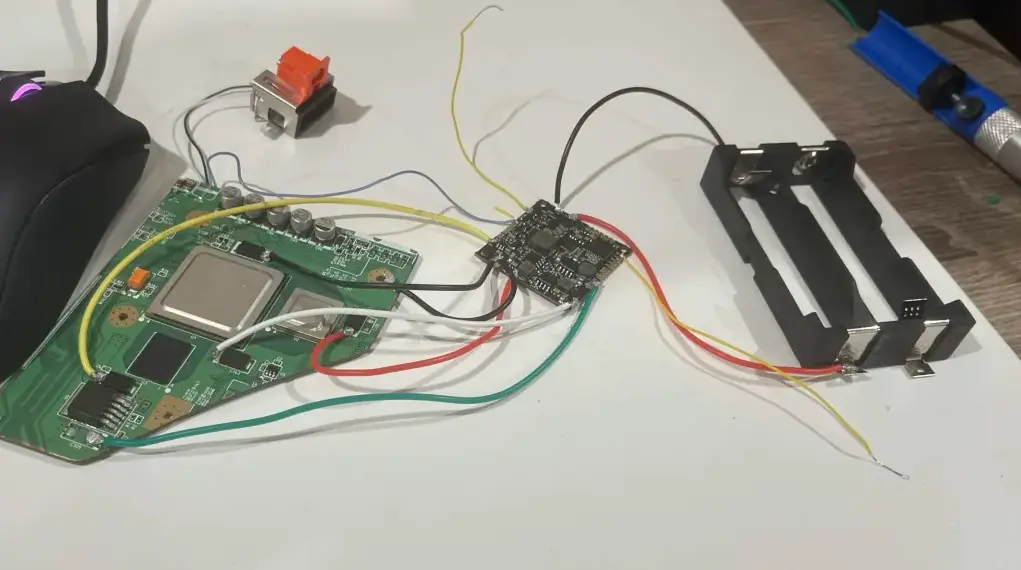
When connecting the component cables and bridging the two yellow cables shown in the photos, I get this odd rgb pattern show up on my TV, even when i unbridge them it stays unless i take out the single battery im using (Samsung 58E 5330mAh 10.7A Battery) or unbridge them again. Could this be because im using 2 30 awg wire instead of shielded signal wire for video? The two yellow cables im bridging are 30 awg wires on btn and ground on the pms2-lite.
1781567992266.webp
IMG_6327.webp
IMG_6330.webp
IMG_6329.webp
IMG_6328.webp
IMG_6327.webp
 
Last edited:
Can you provide better full resolution photos of the whole mobo and PMS? It's hard to see much from these crunched down webp pictures.

If I had to guess from what I can see currently, you have more than a few cold joints that might be causing improper power delivery
 
Can you provide better full resolution photos of the whole mobo and PMS? It's hard to see much from these crunched down webp pictures.

If I had to guess from what I can see currently, you have more than a few cold joints that might be causing improper power delivery
Would these do? I should also mention that I replaced the cable connecting to the video port with a sheilded wire with the same result on the crt, Through my av to hdmi adapter into the pc I also noticed that it didnt display anything at all compared to the weird noise signal from the CRT. For what its worth I can feel the cpu getting warm when i see that output on the screen. With this particular board I cannot remember if i disabled the wifi chip for bootup either.

I tested these on the ground and voltage lines on the pms as well as the board itself
1781586454511.webp

IMG_6350.webp

Do these images work for you?
IMG_6349.webp
IMG_6345.webp
IMG_6343.webp
IMG_6342.webp
IMG_6341.webp
 
You should probably redo most of you solder points and shorten the wires and bit more and then give it another try
 
  • Like
Reactions: Nex
i cut down the wires and fixed some solder points, the voltage readings on everything look ok but issue persist, strange how it only shows that pattern on a crt and not through my converter, i’ll update in about a week as the issue may be that i forgot to disable WiFi
 
The resistance chart looks fine. The amount of exposed wire sticking out of your U10 via could be causing a short though. We recommend using 32AWG magnet wire or thinner for that kind of thing.

If you forgot to disable wifi then that wii is cooked unless you relocate the wifi module to satisfy the boot conditions. The other likely culprit is the single cell you're using. It is a long known thing that powering the Wii off a single cell introduces instability. It's worth trying to boot with two fully charged cells before you suffer through a wifi relocation.
 
The resistance chart looks fine. The amount of exposed wire sticking out of your U10 via could be causing a short though. We recommend using 32AWG magnet wire or thinner for that kind of thing.

If you forgot to disable wifi then that wii is cooked unless you relocate the wifi module to satisfy the boot conditions. The other likely culprit is the single cell you're using. It is a long known thing that powering the Wii off a single cell introduces instability. It's worth trying to boot with two fully charged cells before you suffer through a wifi relocation.
Good news, the wii boots! I'm really not sure what fixed it though, I resoldered the AV port to the board as well as shortened the length of the u10 wire (still using 30 awg ill switch to 34 awg when it comes in) and it boots. It did turn itself off after a few minutes though, I assume this was because it was too hot or that im using only one battery currently. What is also weird is that when i first powered it on after doing this i had that weird rgb static again, but after turning it on and off multiple times now that bug doesnt show up, this only happened the first time trying to test it again.


1781764858429.webp
1781764849384.webp
 
Not the first time a Wii has randomly decided to work again, but you should be aware that the Wii does not have good built in thermal protection. Leaving it on without a heatsink is a surefire way to kill it. Only leave it on long enough to verify that it boots
 
Back
Top